StageMask
StageMask is a focused macOS tool for creating grayscale masks for stage projection.
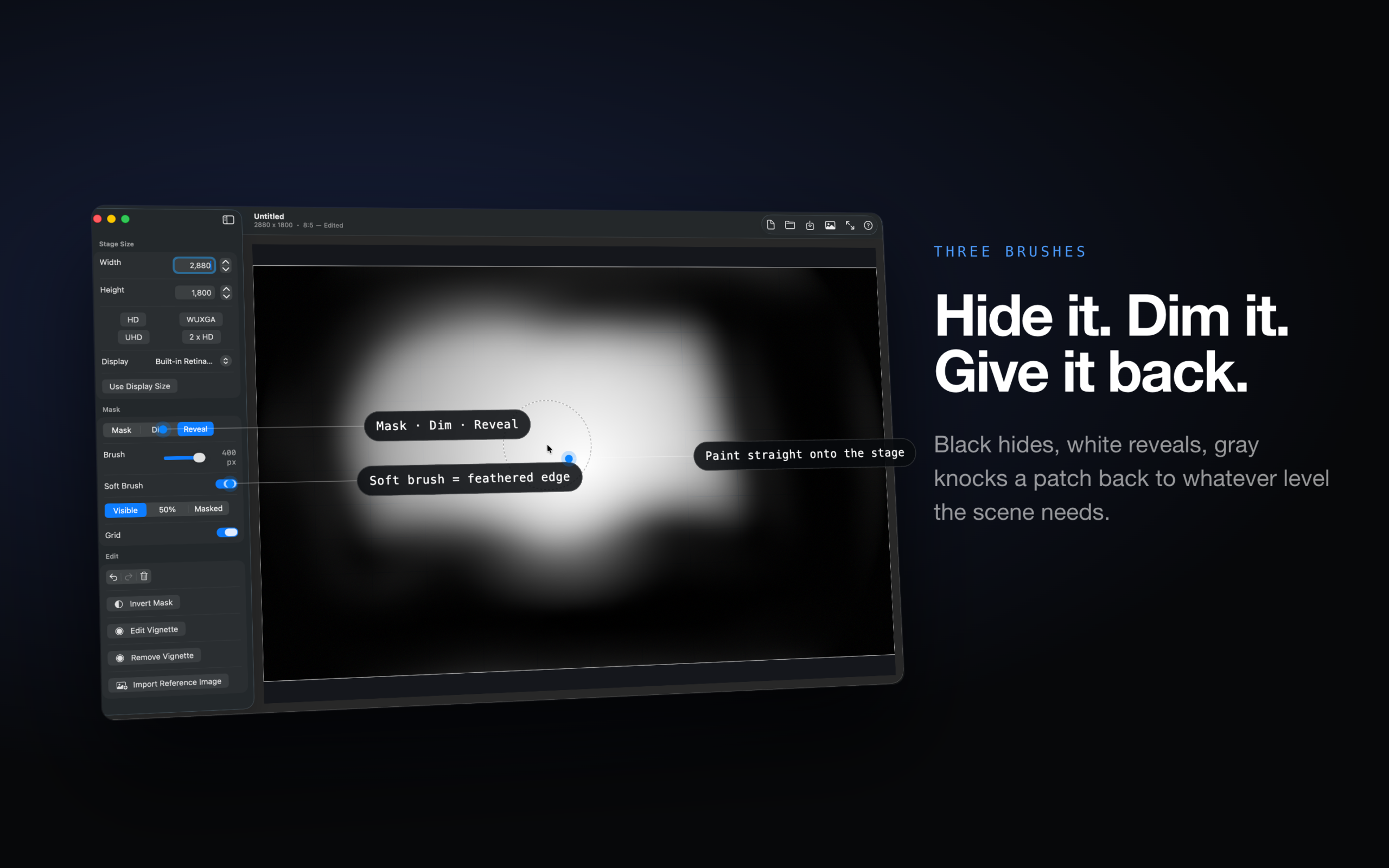
Paint black areas to hide projected content, white areas to reveal it, and gray areas to dim specific parts of the image. Set your stage canvas to match your projection output, use common resolution presets, or match a connected display size.
Use StageMask to build projection masks for theater, live events, installations, scenic projection, video mapping prep, and other stage environments where you need precise control over what appears on screen.
Features:
- Paint mask, dim, and reveal strokes
- Adjustable brush size
- Soft brush mode for feathered edges
- Configurable base brightness
- Grid overlay for alignment
- Import a reference image as a guide
- Undo, redo, clear, and invert mask edits
- Zoom and pan for detailed work
- Save editable .mask documents
- Export grayscale PNG masks
- Open a full-screen editor on a selected display for direct projection alignment
StageMask keeps the workflow simple: create the mask, export a PNG, and use it in your projection or playback software.