myReplay
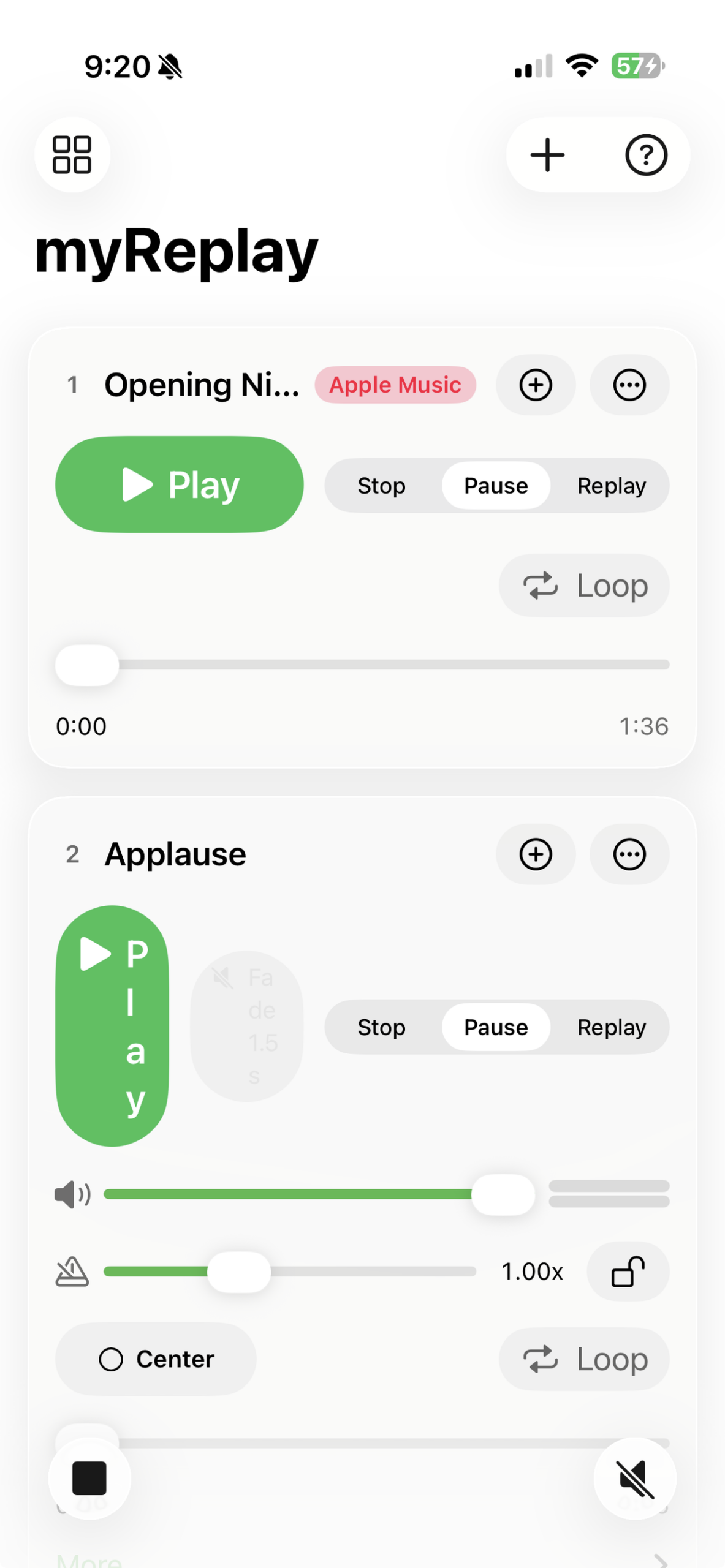
myReplay is a custom multi-channel audio playback pad. Add as many channels as you need, load each with its own track, and trigger them independently or as a live mix.
YOUR PAD, YOUR WAY
- Add, reorder, and delete channels at any time
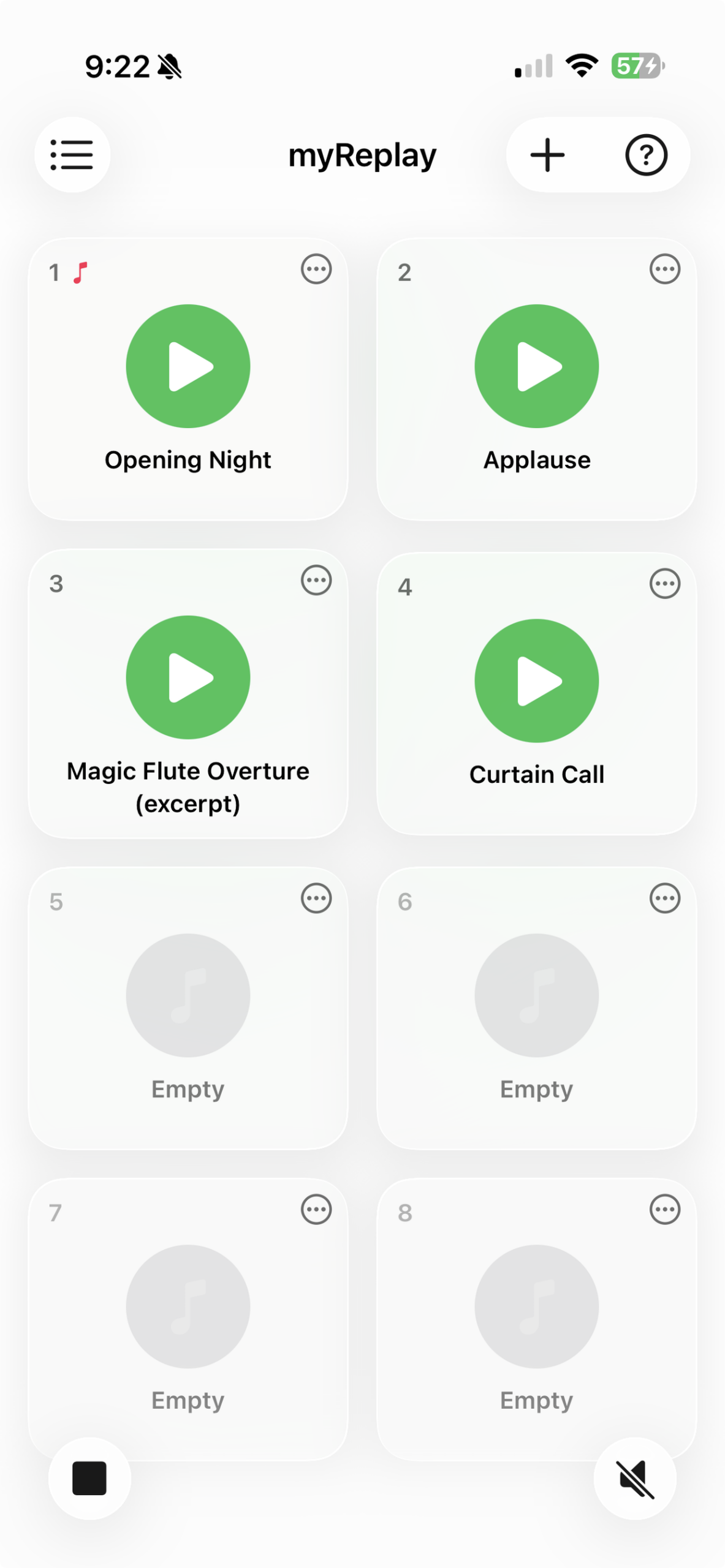
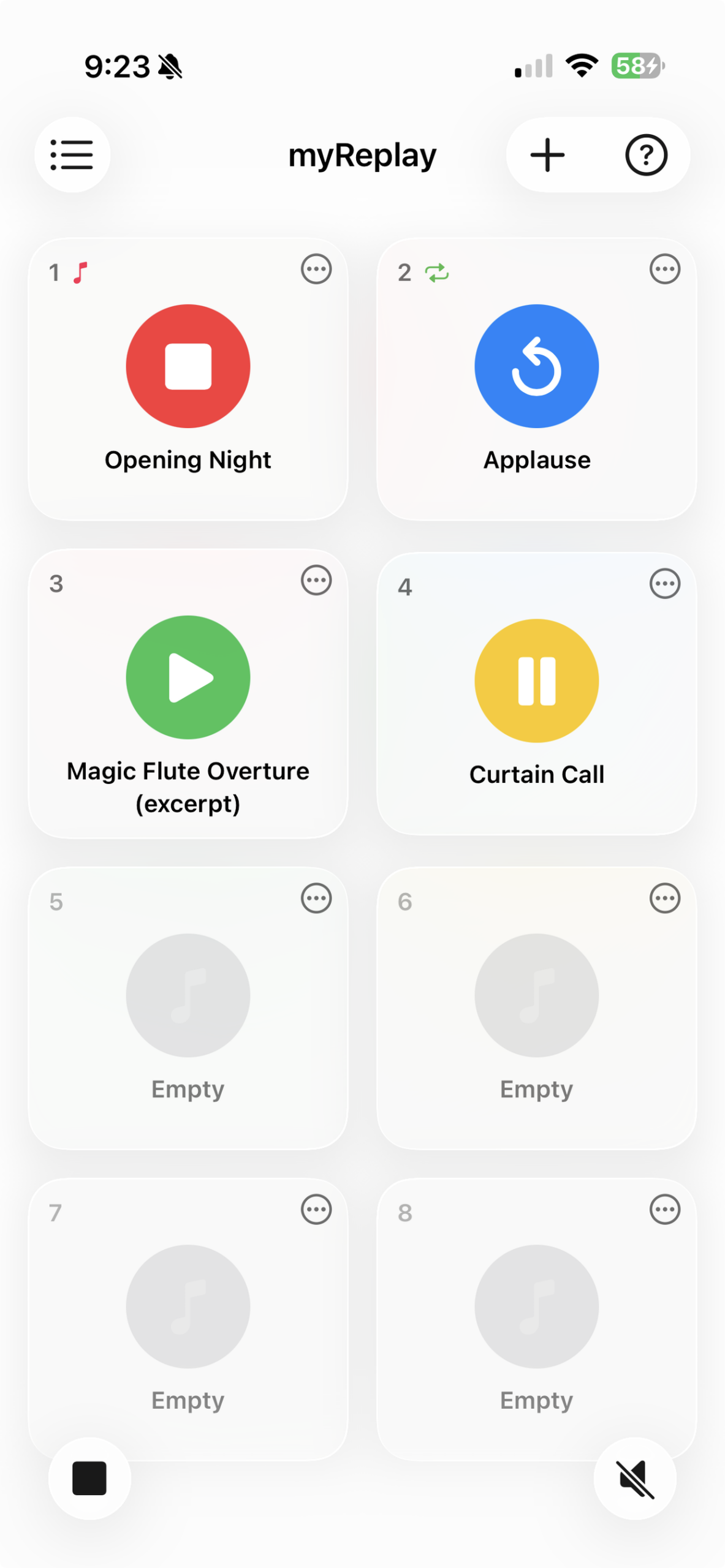
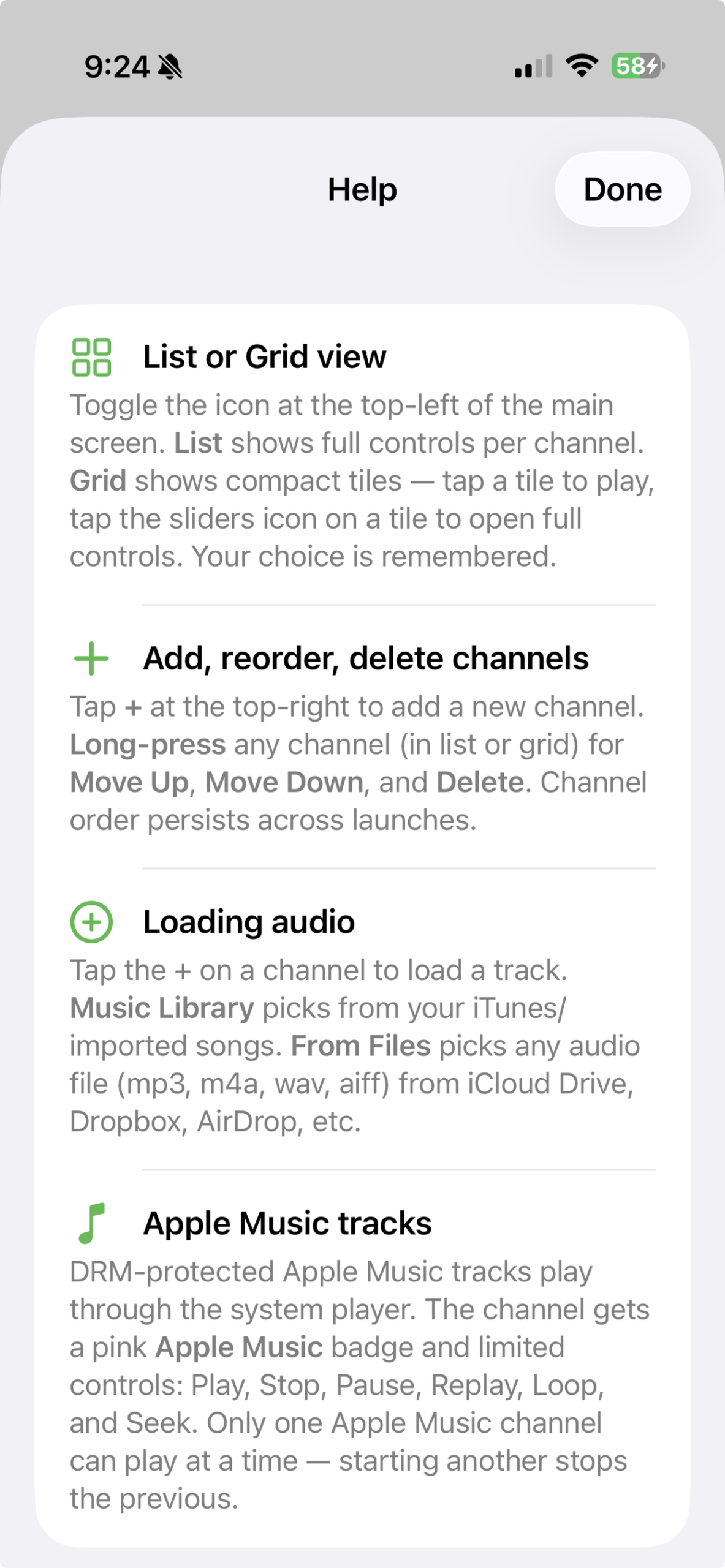
- Switch between list view (full controls per channel) and a compact grid view (pad-style tiles — tap to play, open a menu for details)
- Channel layout, settings, and loaded tracks persist across launches
EVERY CHANNEL
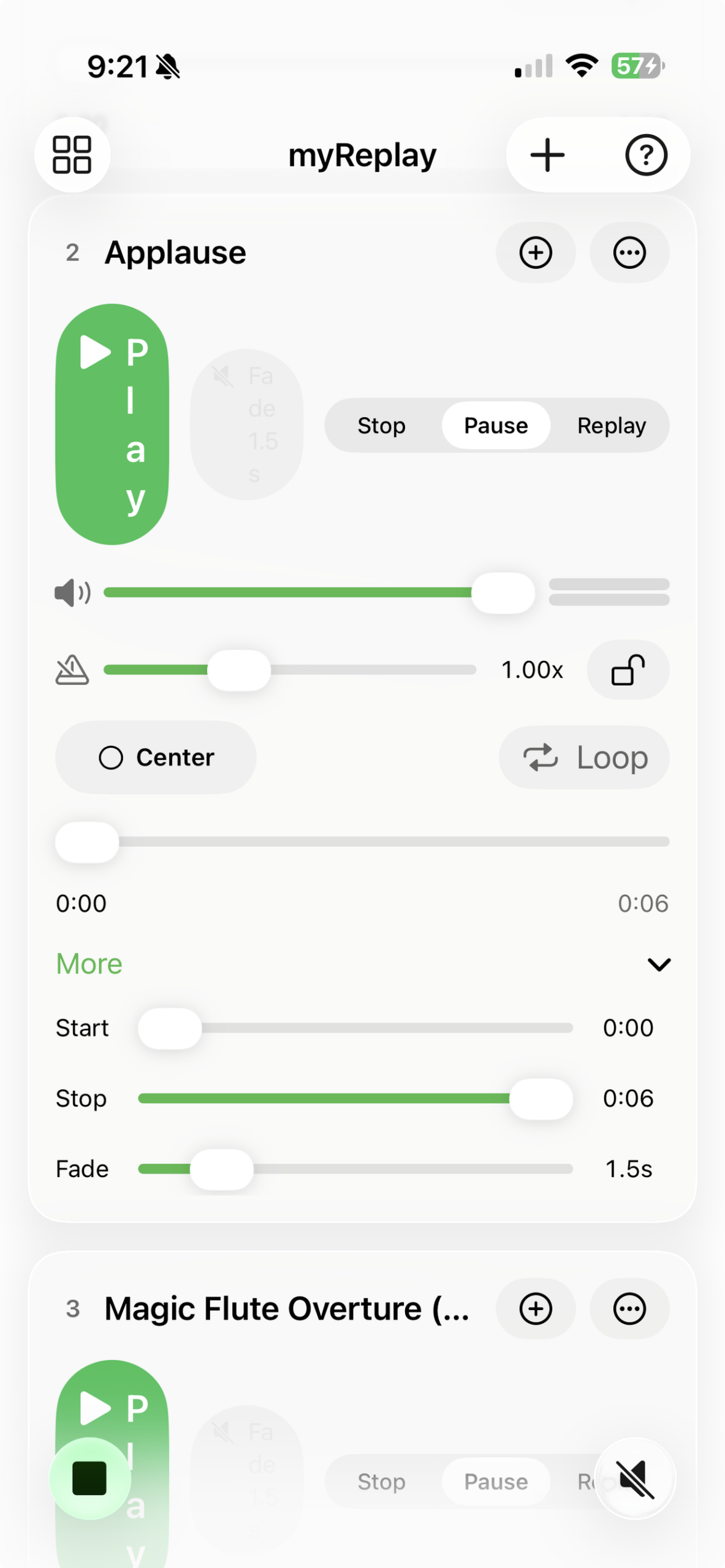
- Play / Stop / Pause / Replay with three transport modes
- Volume with a live stereo VU meter
- Pan — Left / Center / Right
- Rate from 0.5× to 2×, with a lock for pinning to normal speed
- Loop with editable start and end times — change them live and the next loop honours the new bounds
- Fade — smooth volume ramp using your chosen duration
- Trim each track to the section you want
LOAD ANY AUDIO
- Music Library — pick from your iTunes / imported songs with the full feature set
- From Files — drop in mp3, m4a, wav, or aiff from iCloud Drive, Dropbox, AirDrop, or anywhere Files reaches
- Apple Music — DRM-protected subscription tracks play through the system music player with a focused control set
GLOBAL CONTROLS
- Stop All — instantly stop every channel, honouring each channel’s transport mode
- Fade All — ramp every playing channel down using each channel’s own fade time. Excluding DRM-protected music.
BUILT FOR iOS 26
Modern SwiftUI from the ground up, with Liquid Glass surfaces, system-native sliders, and adaptive layouts that look right on iPhone and iPad. Every parameter and channel persists automatically.
GREAT FOR
- Theatre and live performance cue playback
- Podcasts and live shows — sound effects, beds, stingers
- Worship leaders and presenters
- Fitness, yoga, and dance instructors
- DJs prototyping mixes
- Audio designers blocking out scenes
PRIVACY
Audio and settings stay on your device. No accounts, no analytics, no third-party SDKs.
REQUIREMENTS
iPhone or iPad running iOS / iPadOS 26 or later.