myMIDI Bridge
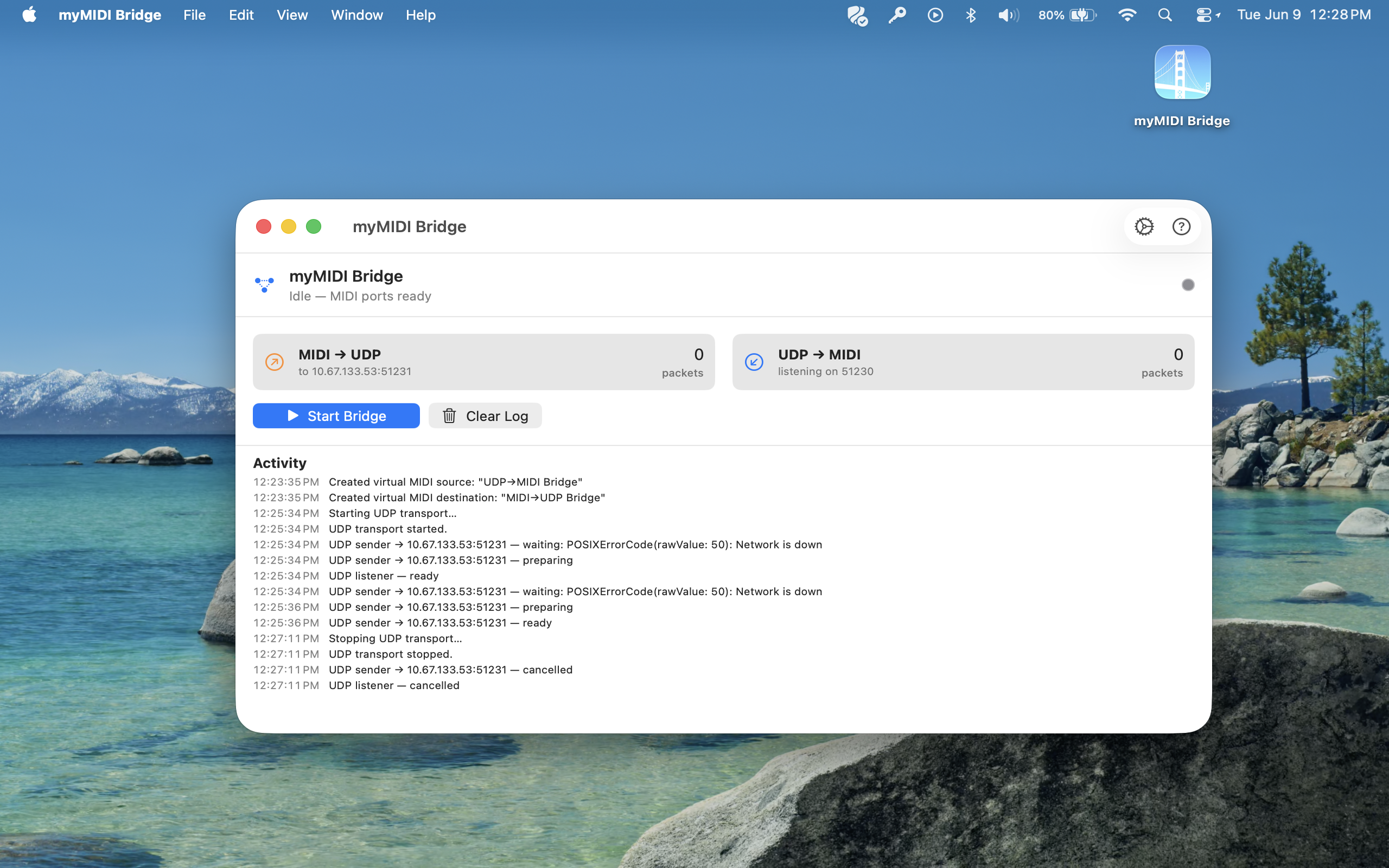
myMIDI Bridge turns your Mac into a MIDI-over-UDP gateway. It creates a pair of virtual CoreMIDI ports that any DAW, controller, or instrument can see, and forwards MIDI traffic to and from a UDP socket on your local network.
Use it to send MIDI between two Macs, between a Mac and an iPad, or between a Mac and any custom hardware or software that speaks plain MIDI over UDP — no extra drivers, no extra hardware, no RTP-MIDI session setup.
KEY FEATURES
- Two virtual CoreMIDI ports
– “MIDI→UDP Bridge” — route MIDI from your DAW out to the network
– “UDP→MIDI Bridge” — incoming UDP datagrams appear as MIDI in any app - Bidirectional, low-latency UDP transport
– Configurable send host and port
– Configurable listen port
– Raw MIDI 1.0 byte format — simple to interop with - Built for macOS
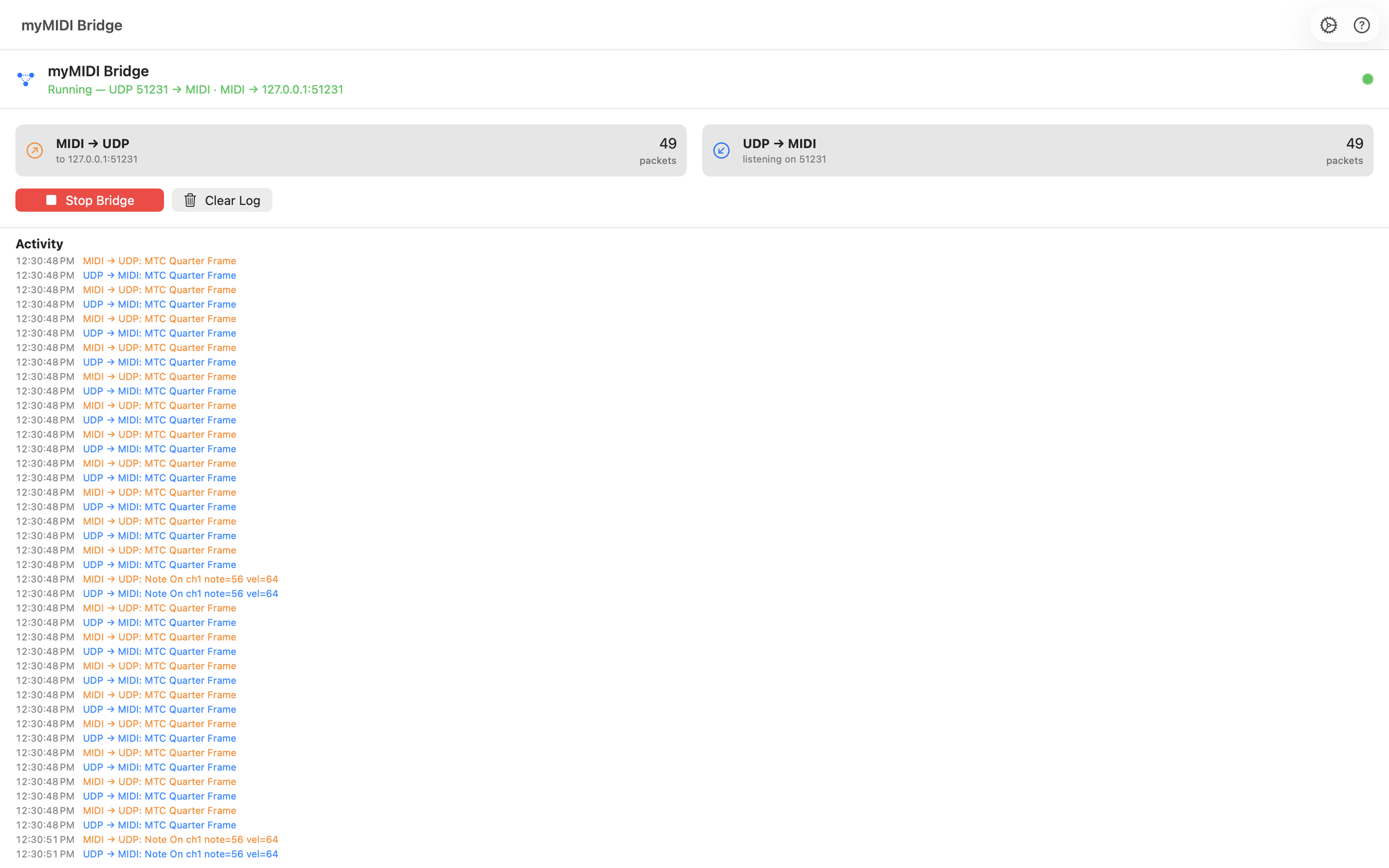
– Live packet counters and human-readable activity log (Note On/Off, CC, Pitch Bend, Clock, SysEx, etc.)
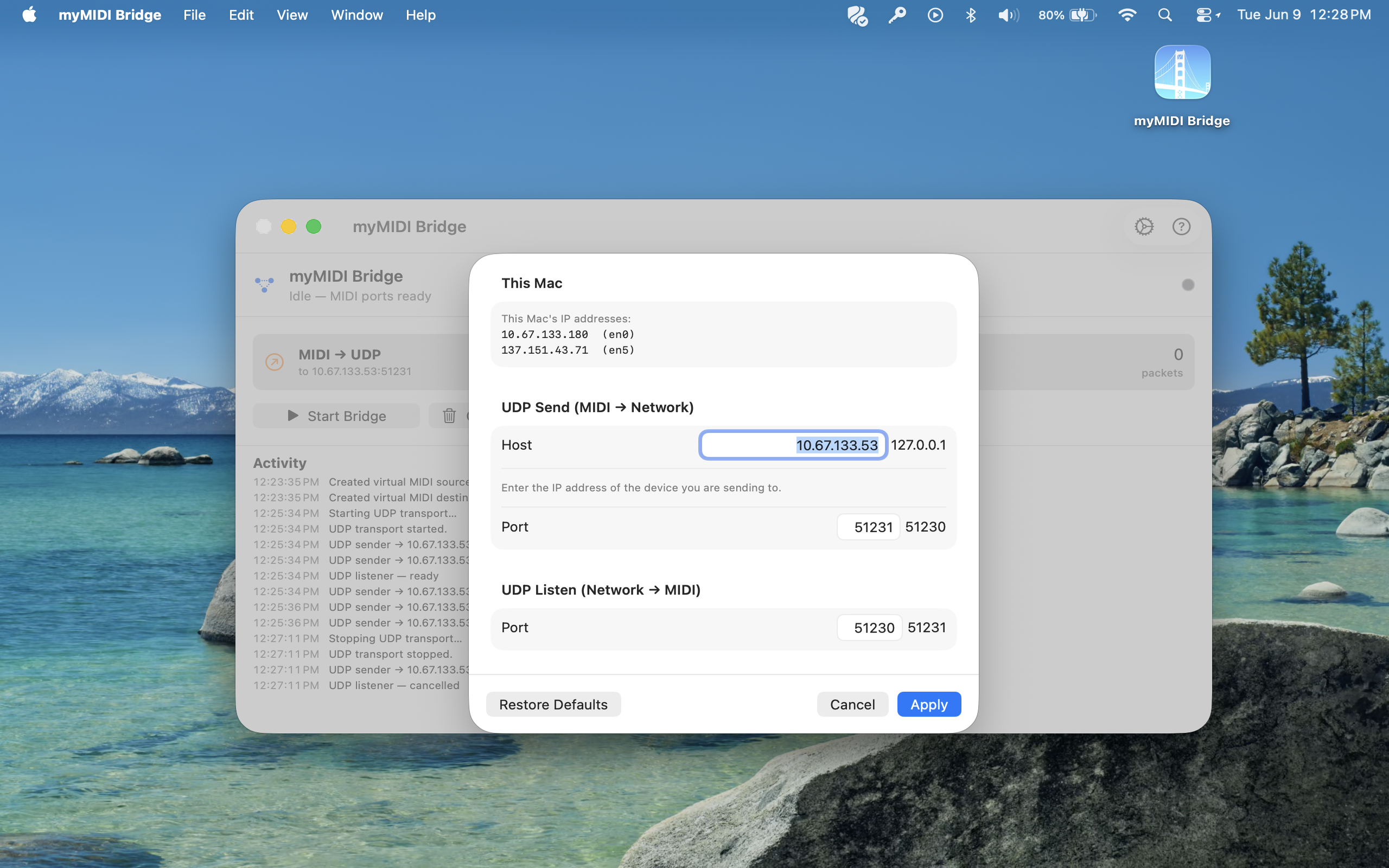
– Local IPv4 address shown in Settings so remote peers know where to send - Zero configuration to start
– Defaults to your Mac’s primary IP on send port 51230 and listen port 51231
– Settings persist between launches; changes apply on the fly
WHO IT’S FOR
Musicians, producers, lighting designers, MIDI hobbyists, and developers who want a no-fuss way to move MIDI between machines without RTP-MIDI sessions, network MIDI services, or extra cables.
HOW IT WORKS
The app exposes virtual CoreMIDI endpoints the moment it launches. Pick “MIDI→UDP Bridge” as a MIDI output in your DAW and every message you send is forwarded as a UDP datagram to the host you configure. Pick “UDP→MIDI Bridge” as a MIDI input and any datagrams arriving on the listen port are emitted as MIDI to your DAW or instrument.
This is plain MIDI over UDP — not RTP-MIDI. Pair it with another copy of myMIDI Bridge on the receiving Mac, or with any peer (custom script, microcontroller, OSC-to-MIDI tool, etc.) that speaks the same simple format.