StageStem
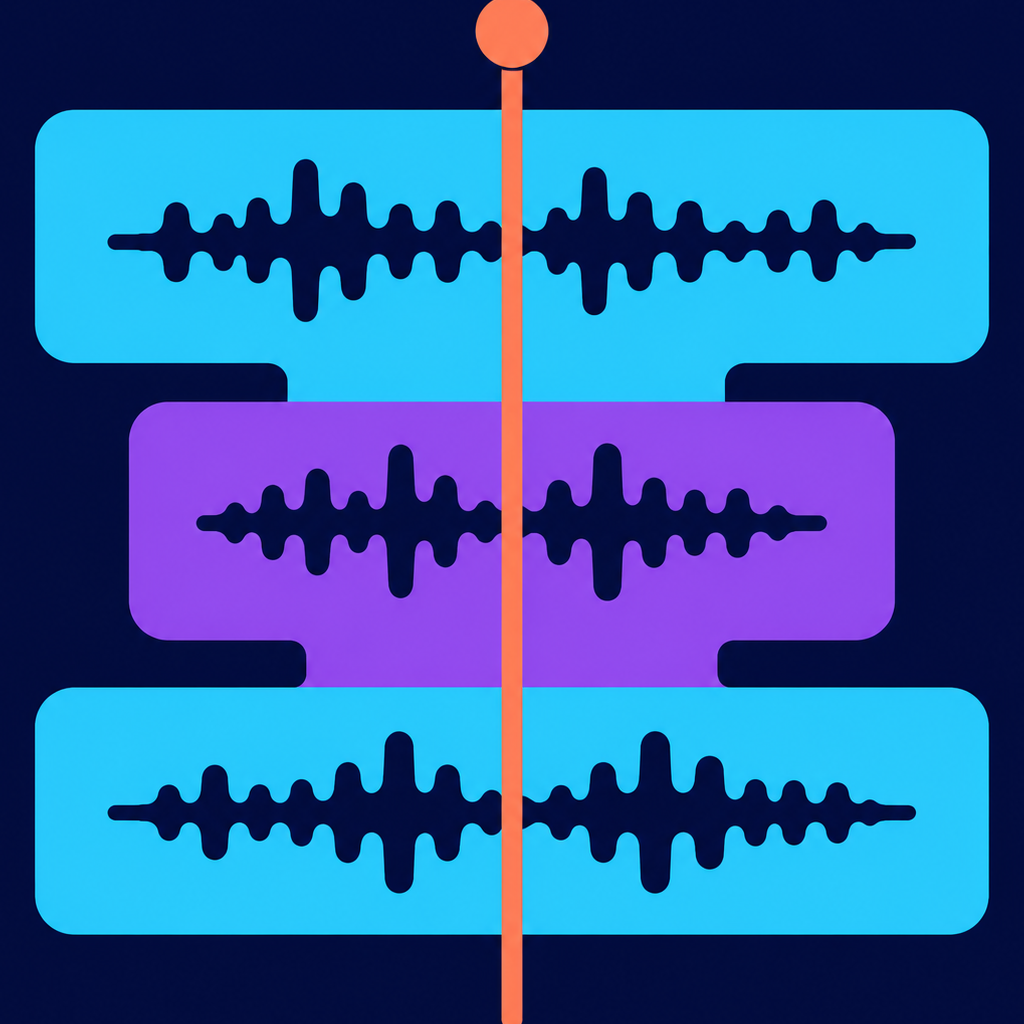
StageStem is a focused multitrack editor for building show audio and bouncing it to exactly the files your playback system needs.
Drop your audio onto a timeline, arrange it clip by clip, and export multichannel stems ready to drop straight into a multitrack audio cue.
Multi-Track Timeline
Arrange unlimited tracks on a scrollable, zoomable timeline. Drag-and-drop audio files directly from Finder, or use the file importer to bring in any audio or video format. Media is automatically normalized to the project sample rate.
Precision Clip Editing
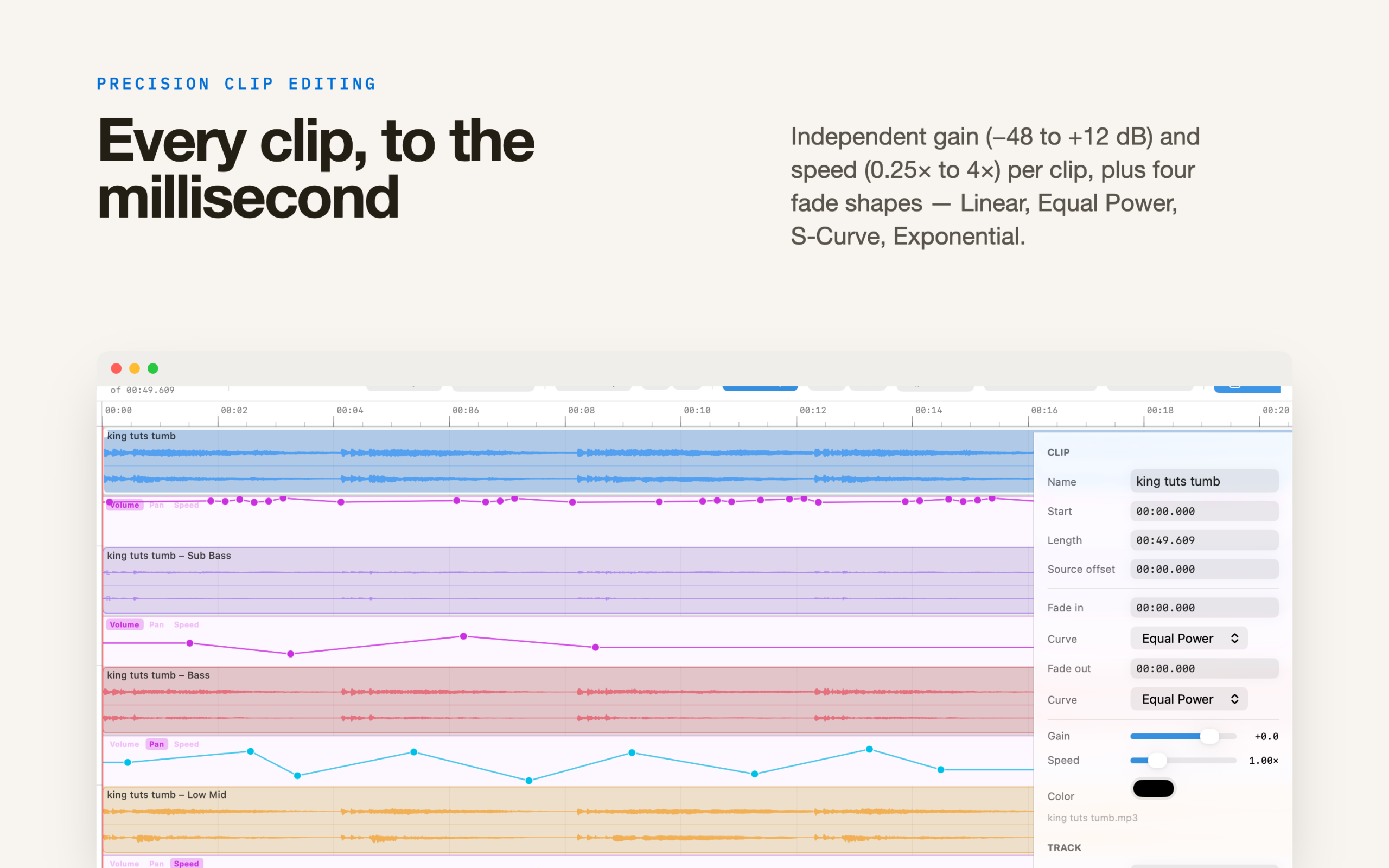
Trim, move, and split clips with pixel-level accuracy. Each clip has independent gain (−48 to +12 dB), playback speed (0.25× to 4×), and per-clip color. Fade in and fade out with four curve shapes — Linear, Equal Power, S-Curve, and Exponential — to blend clips seamlessly.
Track Mixing
Set volume (−60 to +12 dB) and pan per track. Mute and solo any combination of tracks. Waveform zoom lets you visually scale the amplitude display without affecting the audio level.
Audio Unit Effects
Add any installed Audio Unit effect plugin to any track. Build a chain, reorder plugins by dragging, bypass individual effects, and open each plugin’s native editor window — all from the Inspector panel.
Automation
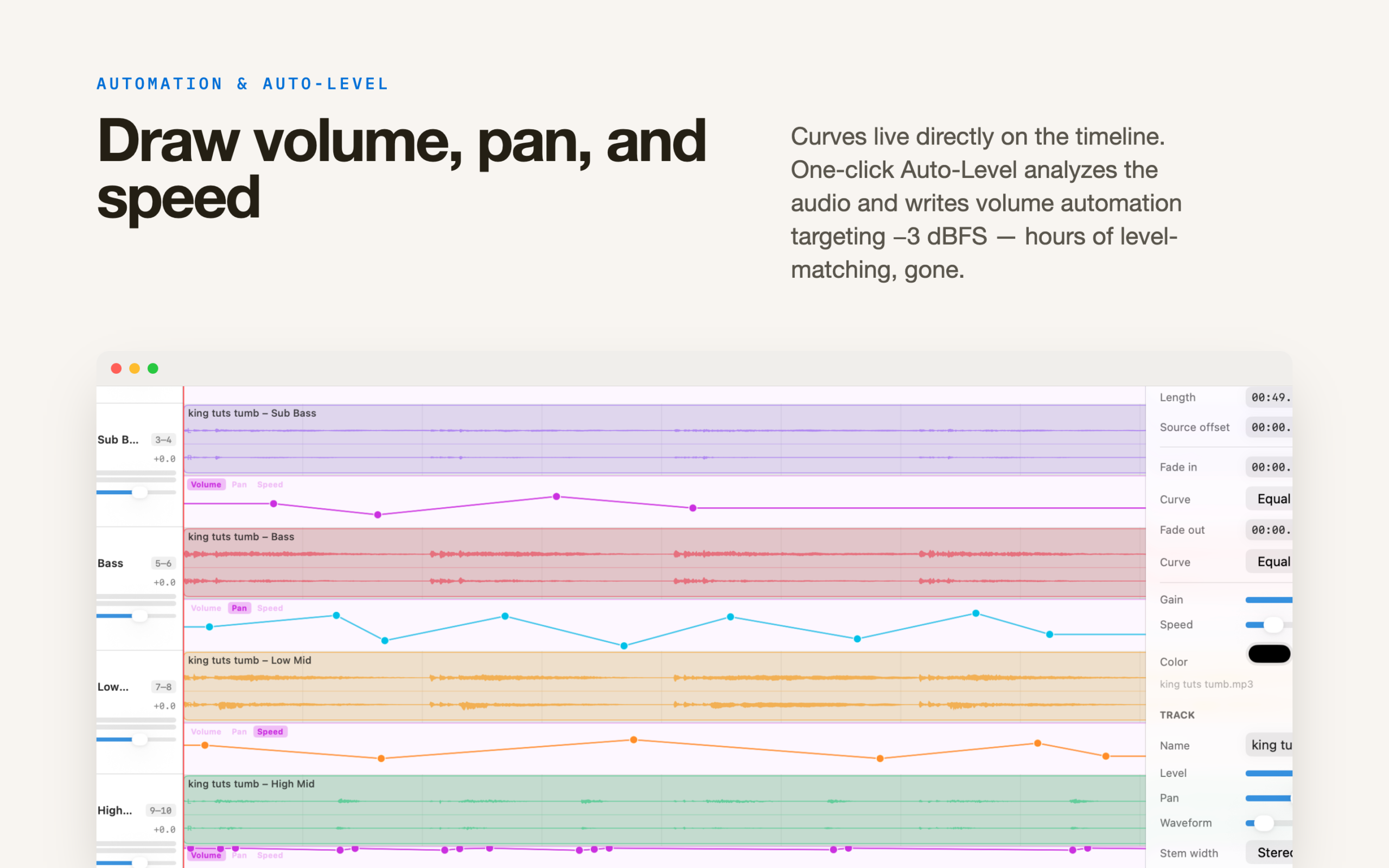
Draw Volume, Pan, and Speed automation curves directly on the timeline. The one-click Auto-Level function analyzes your audio and writes volume automation targeting −3 dBFS, saving hours of manual level-matching.
Flexible Recording
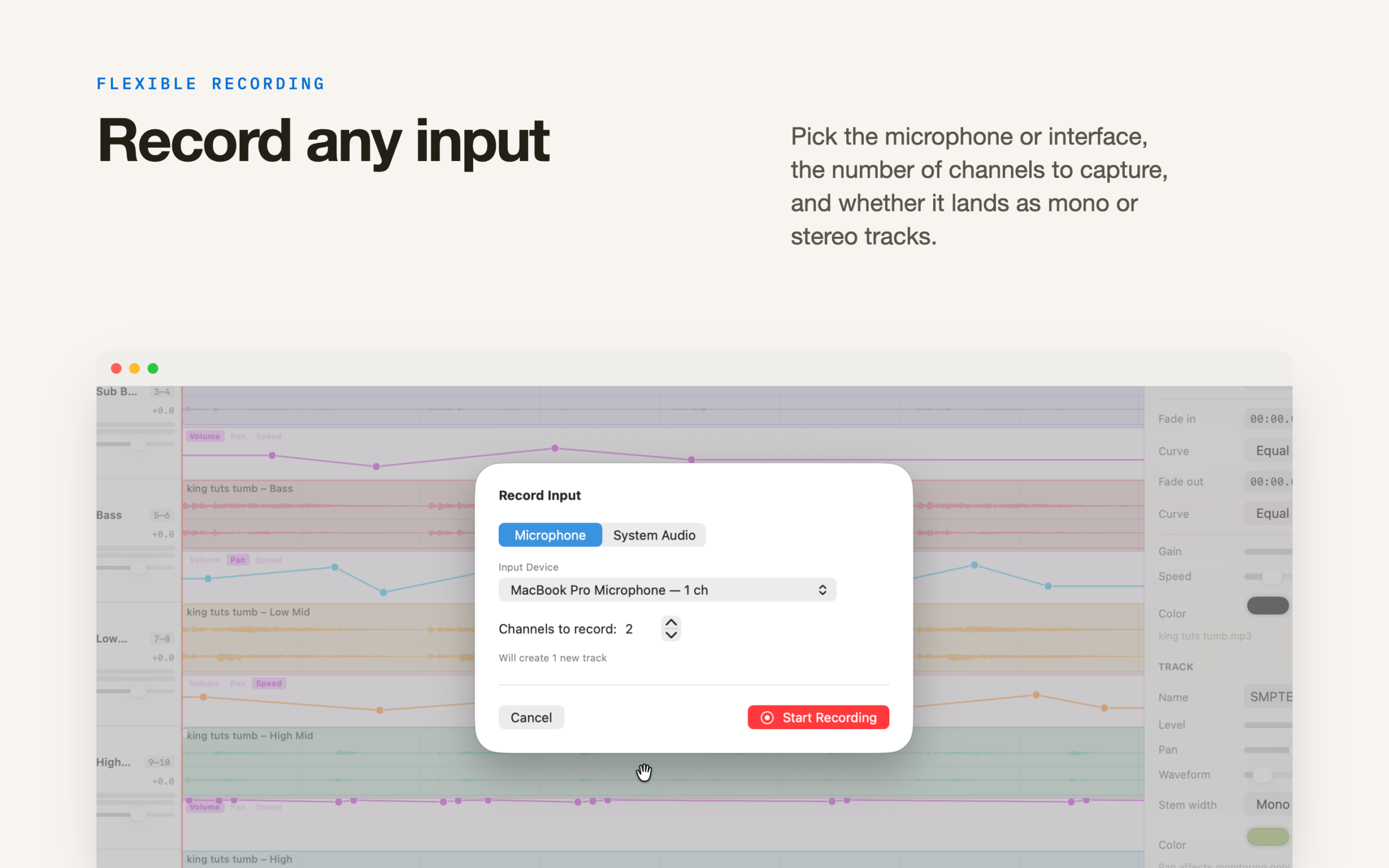
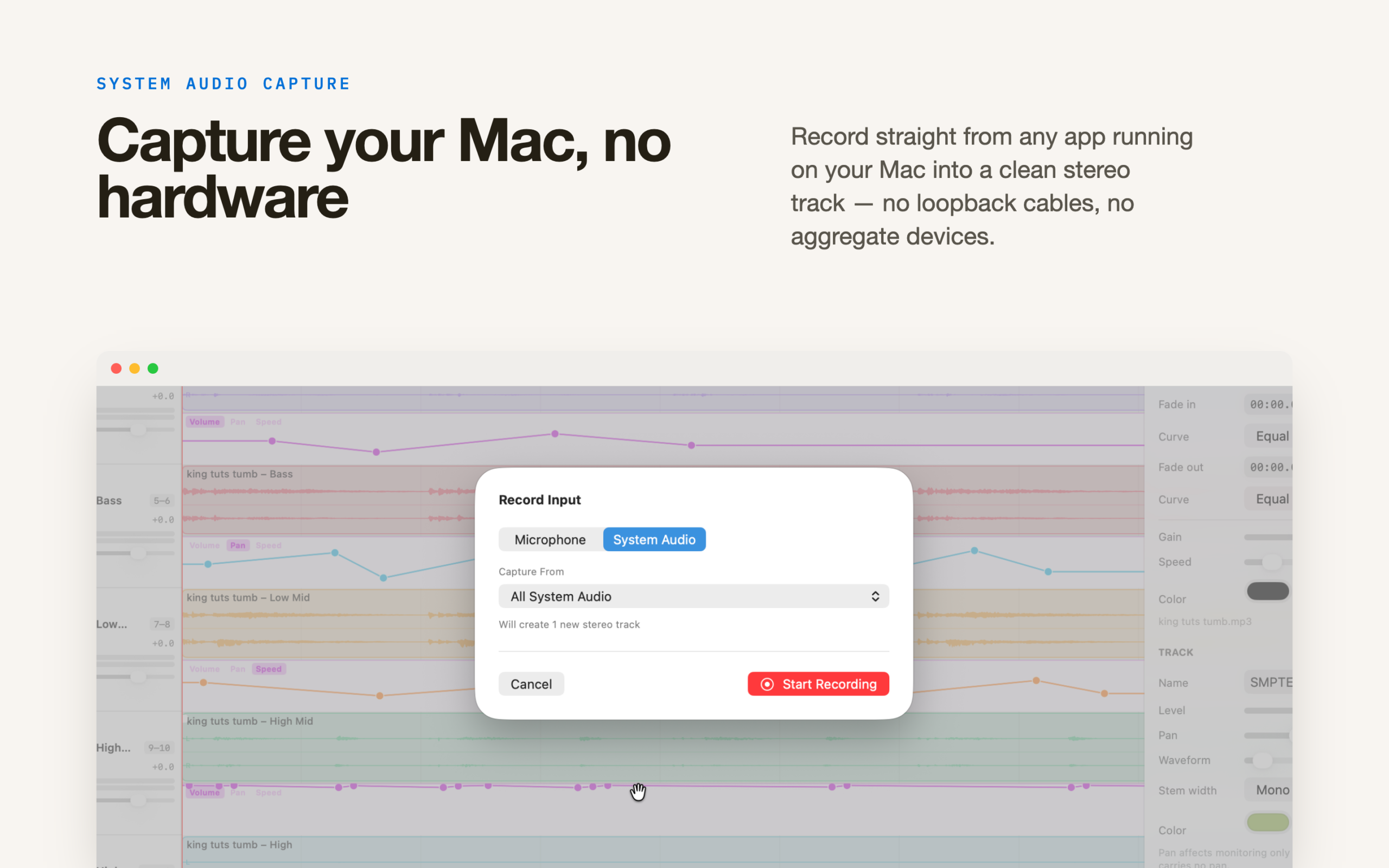
Record from any microphone or audio interface — choose the device, the number of channels to capture, and whether to record as mono or stereo tracks. System Audio capture lets you record directly from any application running on your Mac, creating a clean stereo track without any extra hardware.
Tone Generator
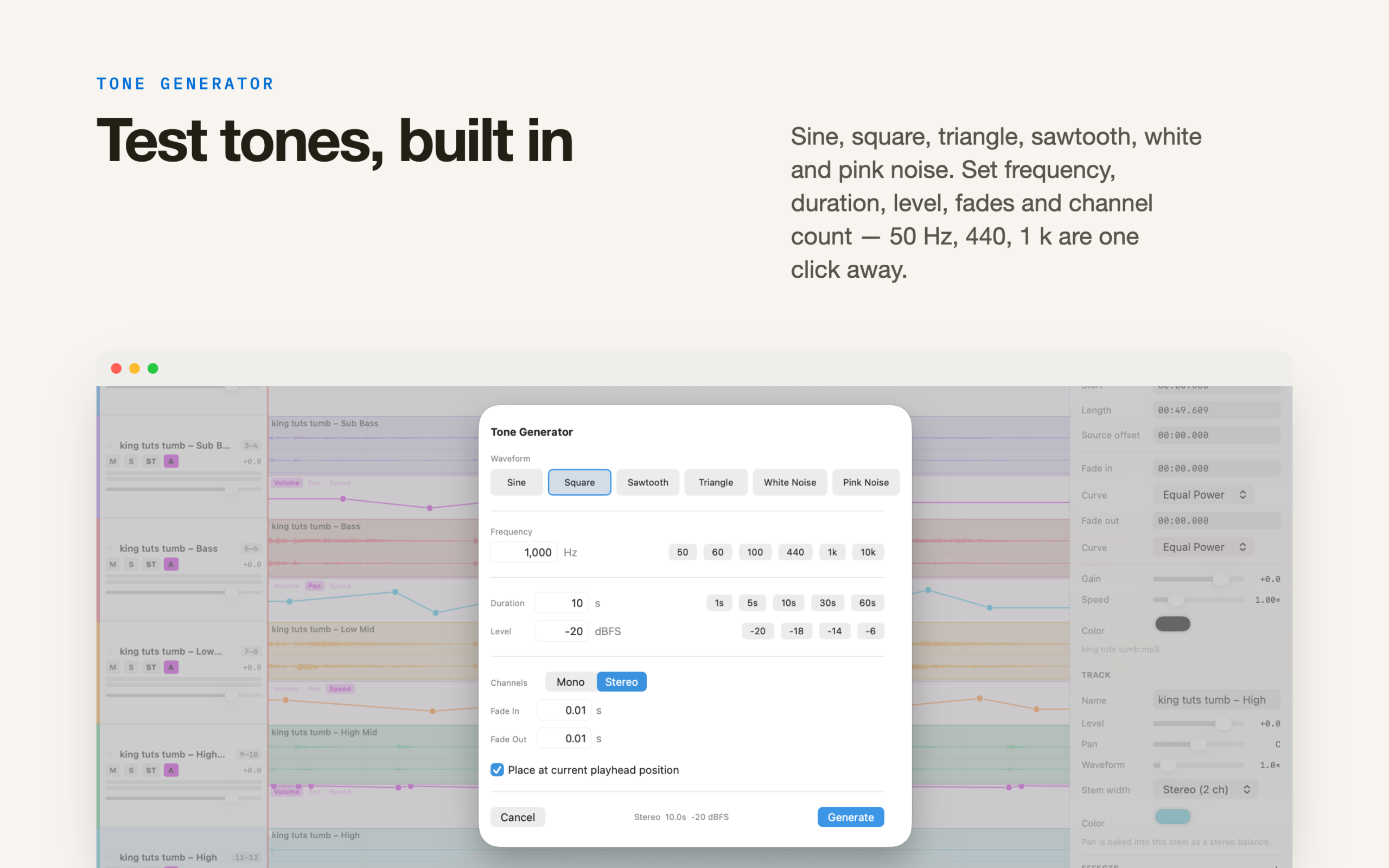
Generate test tones and noise directly on the timeline. Choose from Sine, Square, Triangle, Sawtooth, and multiple noise waveforms. Set frequency, duration, level, fade in/out, and channel count. Common presets (50 Hz, 440 Hz, 1 kHz, etc.) are one click away.
SMPTE LTC Generator
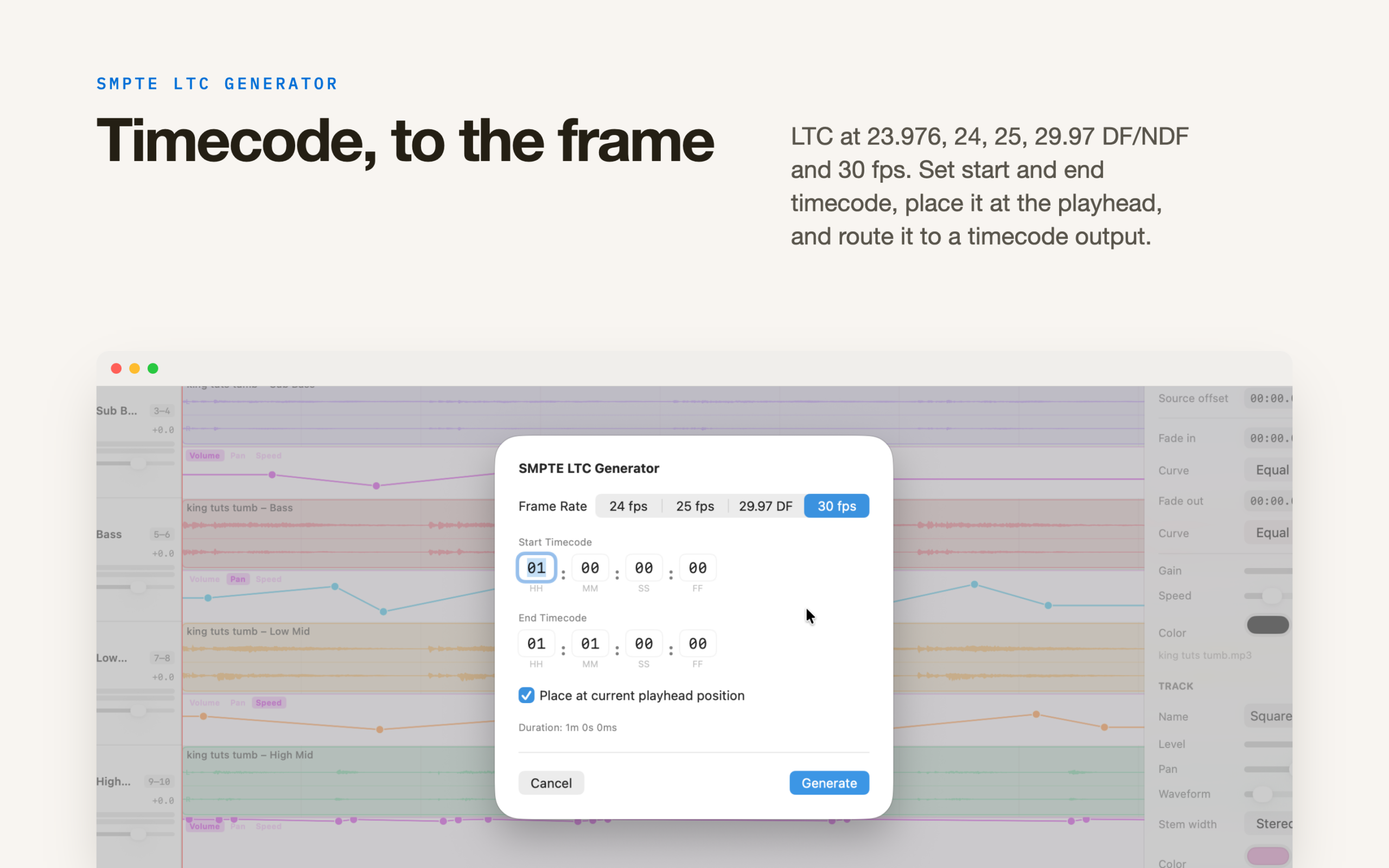
Generate SMPTE Linear Timecode audio at standard frame rates (23.976, 24, 25, 29.97 DF/NDF, 30). Set start and end timecodes to the frame, place the track at the playhead, and route it to a timecode output during playback.
Frequency Splitter
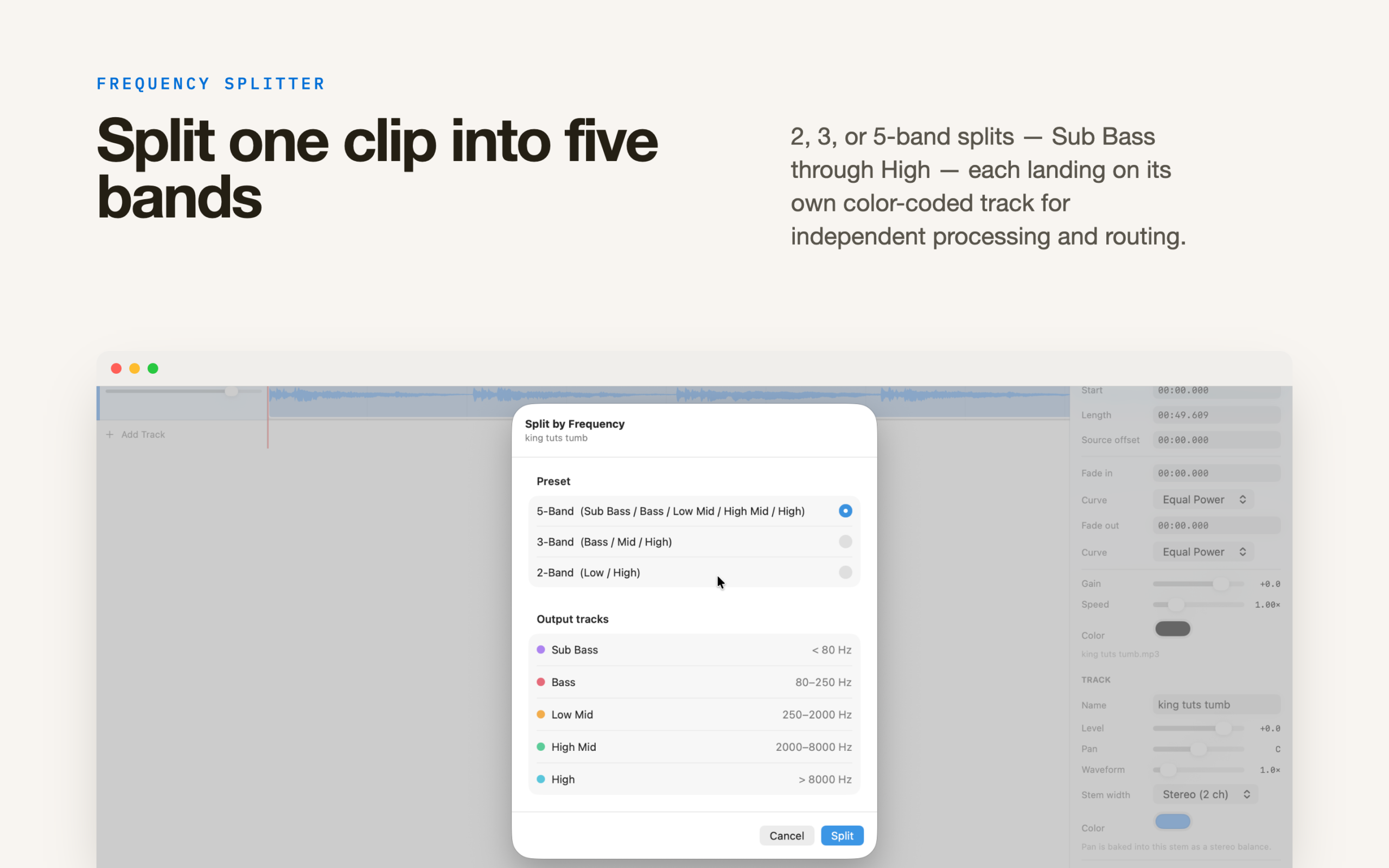
Split any clip into frequency bands — 2-Band (Low/High), 3-Band (Bass/Mid/High), or 5-Band (Sub Bass/Bass/Low Mid/High Mid/High) — each landing on its own color-coded track for independent processing and routing.
Markers & Tempo Grid
Place named, color-coded markers anywhere on the timeline. Set a project BPM and time signature to display a beat grid and snap edits to bars and beats.
Bounce — Three Modes
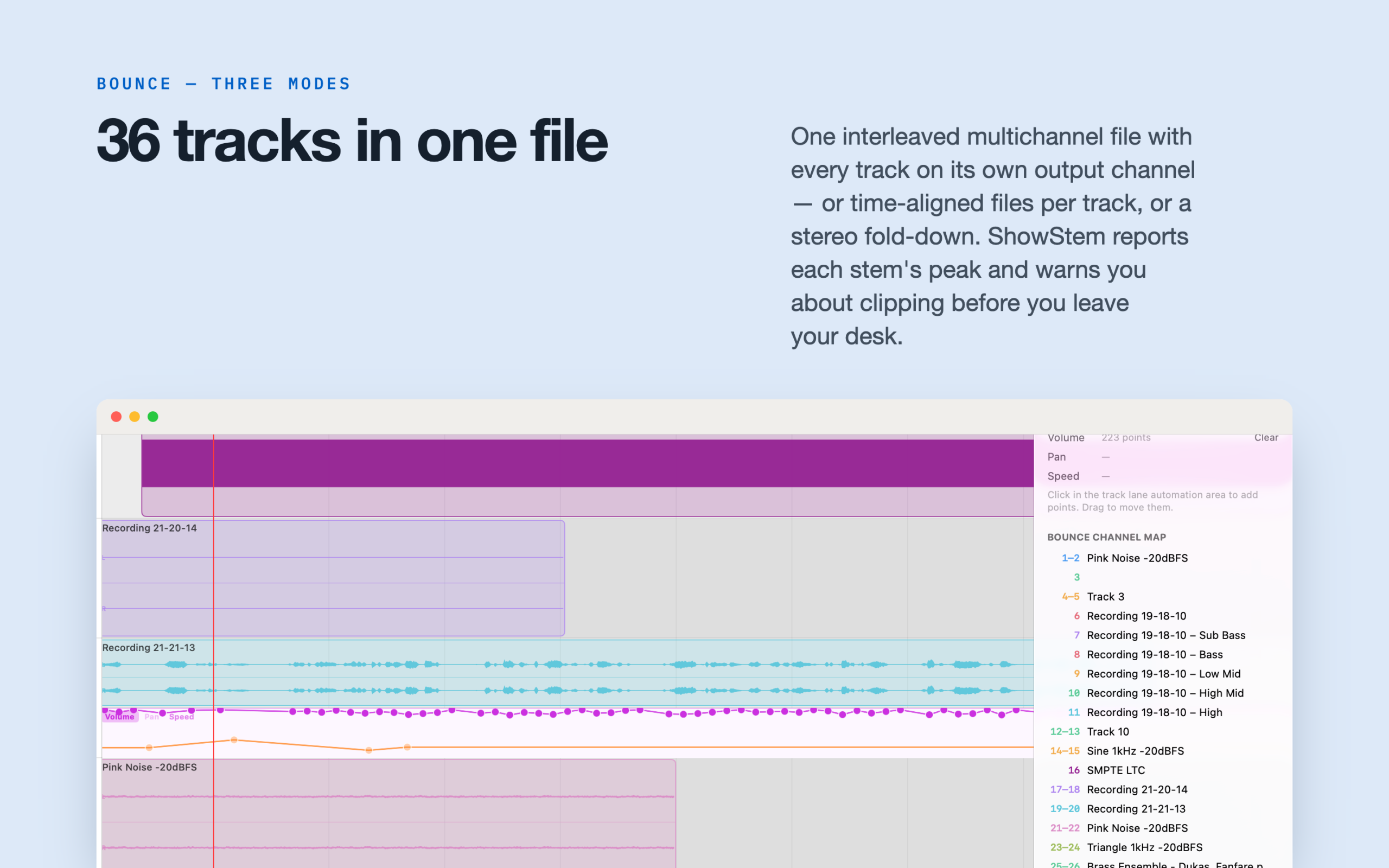
• Single Multichannel File (Stems): One interleaved file where every track occupies its own output channel. Drop it into a QLab audio cue and assign channels to outputs — no configuration required.
• Separate Files Per Track: A folder of time-aligned audio files, one per track, all the same length. Perfect for handing off to a mix engineer or loading into any DAW.
• Stereo Mixdown: A full fold-down of the monitor mix to two channels.
Export as WAV, AIFF, CAF, or MP3. Choose 16-bit, 24-bit, or 32-bit float. MP3 bitrate from 128 to 320 kbps. Add a configurable tail of silence. After every bounce, StageStem reports the peak level of each stem and warns you about any clipping before you leave your desk.
Snap, Loop & Undo
Snap edits to clip edges, the playhead, and the grid (hold Option to bypass). Set loop in/out points and loop any region during playback. Full undo and redo for every edit.