myOSC Cubes
myOSC is a fast, touch-friendly controller for Open Sound Control (OSC) — the universal protocol behind modern music production, lighting design, live visuals, theatrical control, and creative-coding environments.
Whether you’re mixing a band, cueing a lighting console, driving a synth patch, or prototyping with TouchDesigner, Max, Ableton, QLab, or Resolume, myOSC turns your iPhone, iPad, or Mac into a personal control surface — with no setup file, no scripting, and no cables.
— DESIGNED FOR LIVE WORK —
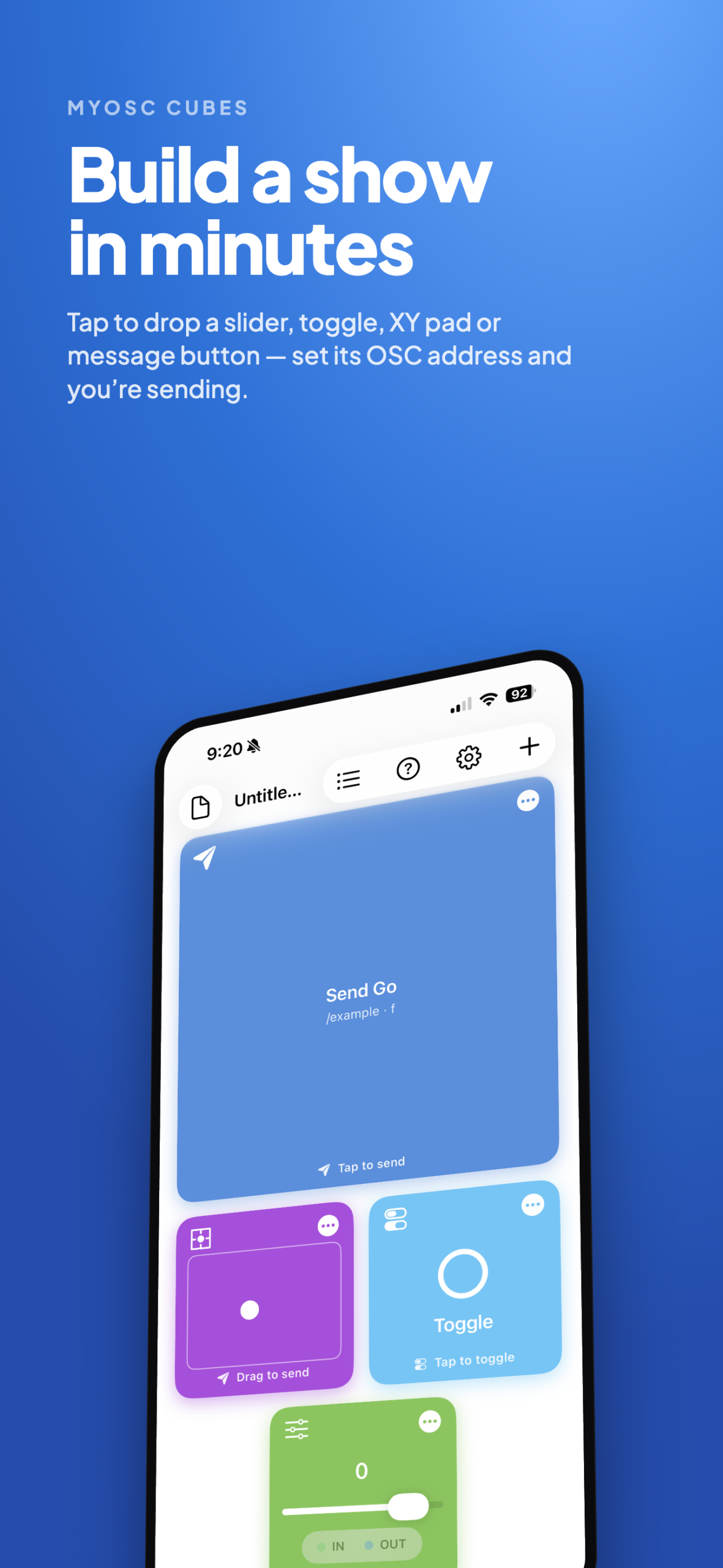
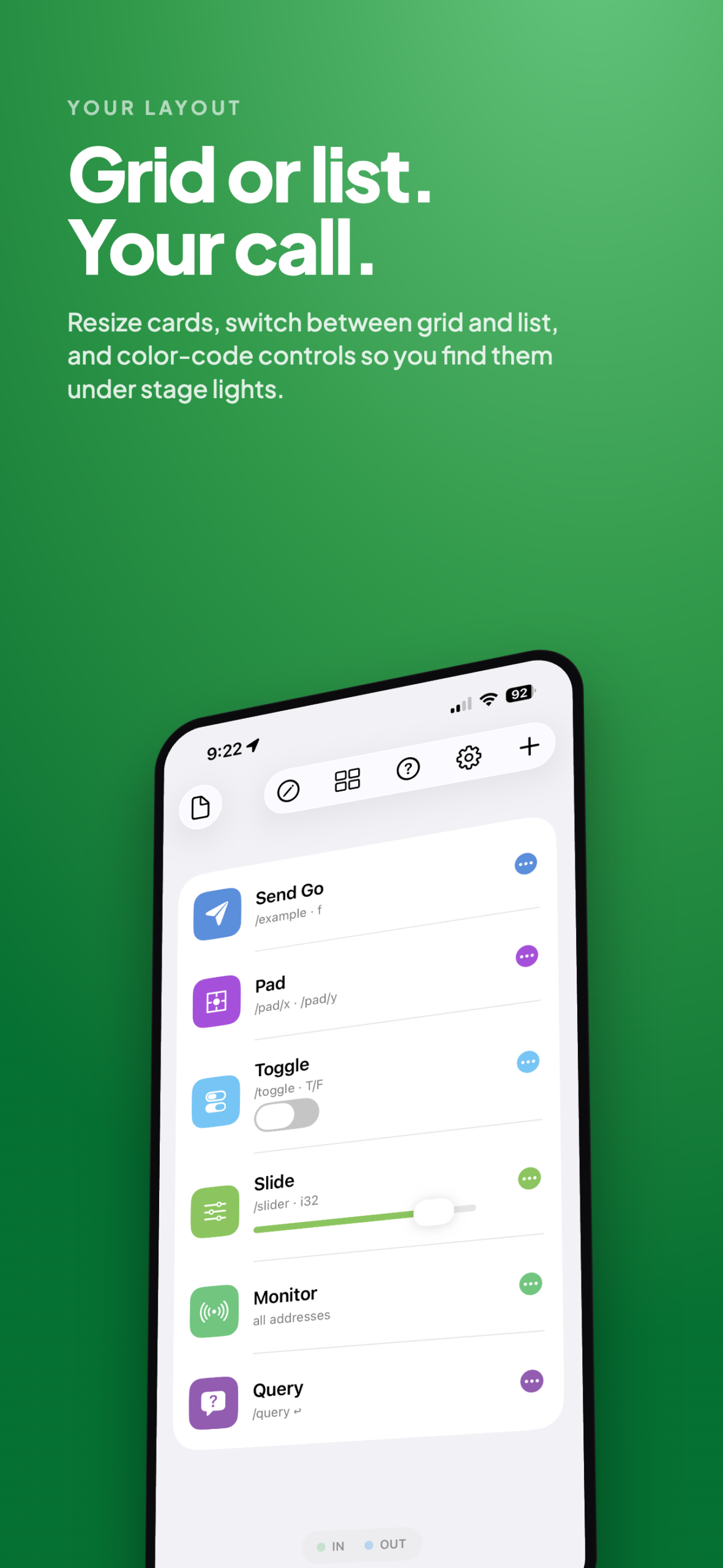
Build a show in minutes. Tap to add a slider, toggle, XY pad, or message button, set its OSC address and target, and you’re sending. Resize cards, choose between grid and list layouts, and color-code controls so you can find them under stage lights.
— SUPPORTED CONTROL TYPES —
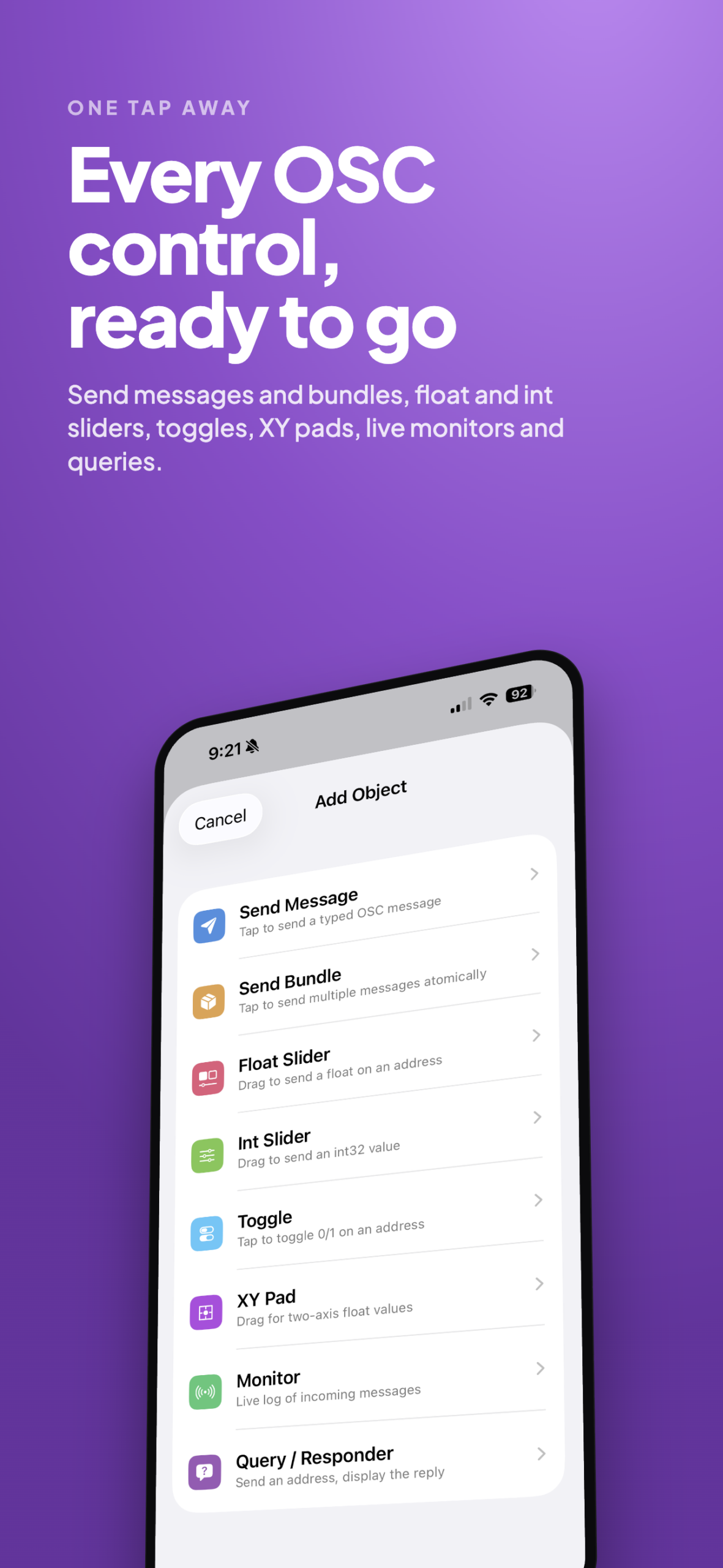
• Send Message — fire a single OSC message with any combination of typed arguments
• Send Bundle — group several messages and dispatch them atomically
• Float Slider — smooth, throttled dragging over a configurable range
• Int Slider — stepped integer values for indexed parameters
• Toggle — booleans or 1/0 with a single tap
• XY Pad — two-axis surface that maps to separate X and Y addresses
• Monitor — live log of every incoming OSC message with regex filtering
• Query / Responder — send a query and display the response inline
— FULL TWO-WAY OSC —
A built-in listener receives messages on any port you choose. The Monitor object shows addresses, type tags, arguments, source IPs, and timestamps in real time. Filter by regular expression and export logs as plain text — perfect for debugging that “is it me or the receiver?” moment.
— MULTIPLE DESTINATIONS —
Define as many destinations as you need. Each control can target its own host and port, so a single show can drive a lighting console, a DAW, and a video server simultaneously.
— SHOW FILES —
Save your layouts as portable .oscShow documents (JSON under the hood). Share them via AirDrop, iCloud Drive, Messages, or email. Collaborators can edit on any device.
— BUILT FOR THE WAY YOU WORK —
• Disable Outgoing Network during rehearsal so you can refine controls without firing real messages
• See your device’s local IP at a glance for quick configuration
• Throttled value updates protect Wi-Fi from saturation
• Clean grid or list layouts that adapt to iPad split view and Mac windows
• Native SwiftUI interface — fast, fluid, and accessible
• No subscriptions, no accounts, no analytics
— WORKS WITH EVERYTHING THAT SPEAKS OSC —
Tested against popular OSC-aware applications and hardware including Ableton Live, QLab, Reaper, Max/MSP, Pure Data, TouchDesigner, Resolume, VDMX, MadMapper, Reaktor, Bitwig, Lightkey, ETC Eos, grandMA, and many more. If it speaks OSC over UDP, myOSC can talk to it.
— PRIVACY-FIRST —
myOSC never collects, transmits, or stores personal data. All network traffic stays on your local Wi-Fi. No analytics. No tracking. No account required.
— REQUIRED —
A local Wi-Fi network and at least one OSC-capable receiver. Local Network permission must be granted on first launch for messaging to work — this is what lets the app find other devices on your network.