Zero to Sixty
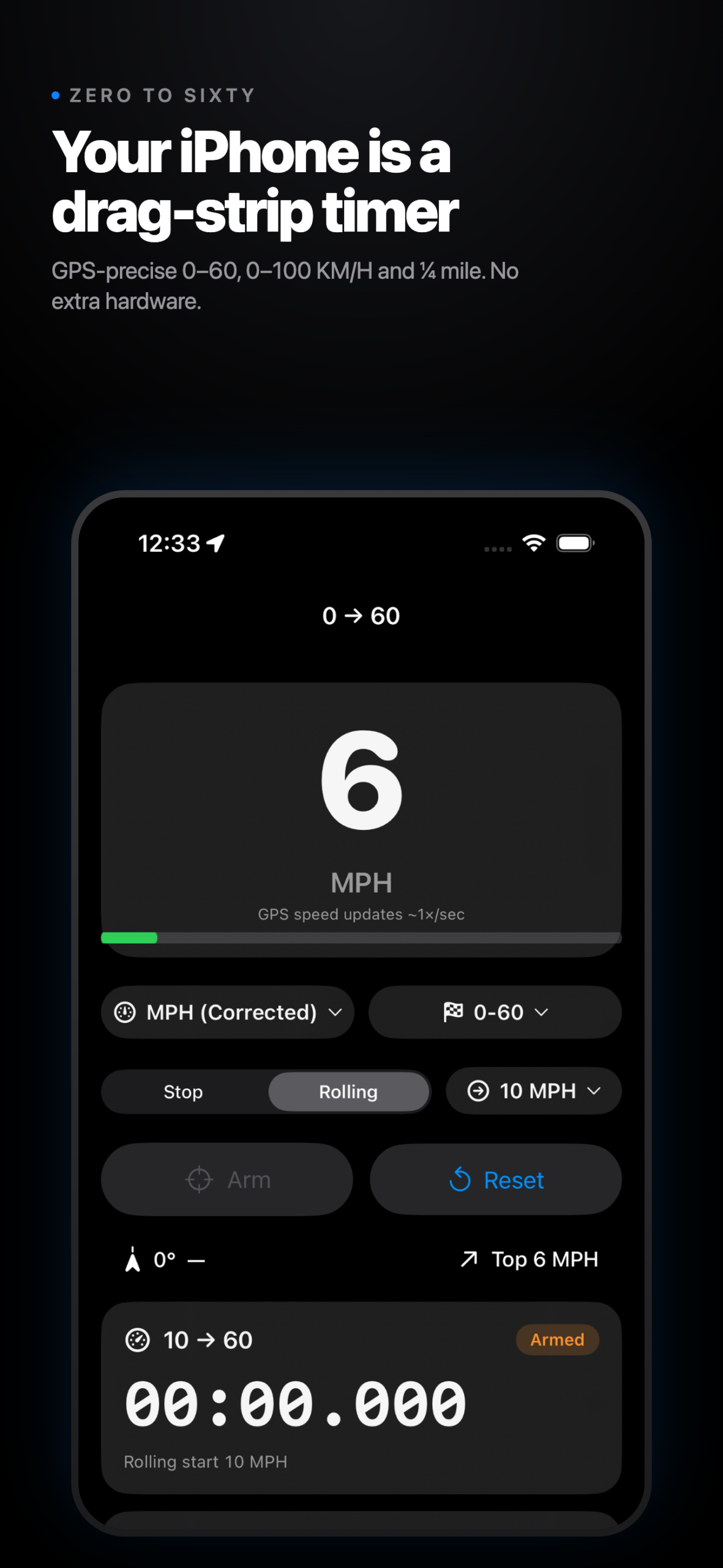
Zero to Sixty turns your iPhone into a performance timer.
Whether you’re testing a new car, tuning an old one, or just curious how quick your daily driver really is, Zero to Sixty uses your iPhone’s GPS to measure acceleration with the precision of a dedicated drag-strip timer — no extra hardware required.
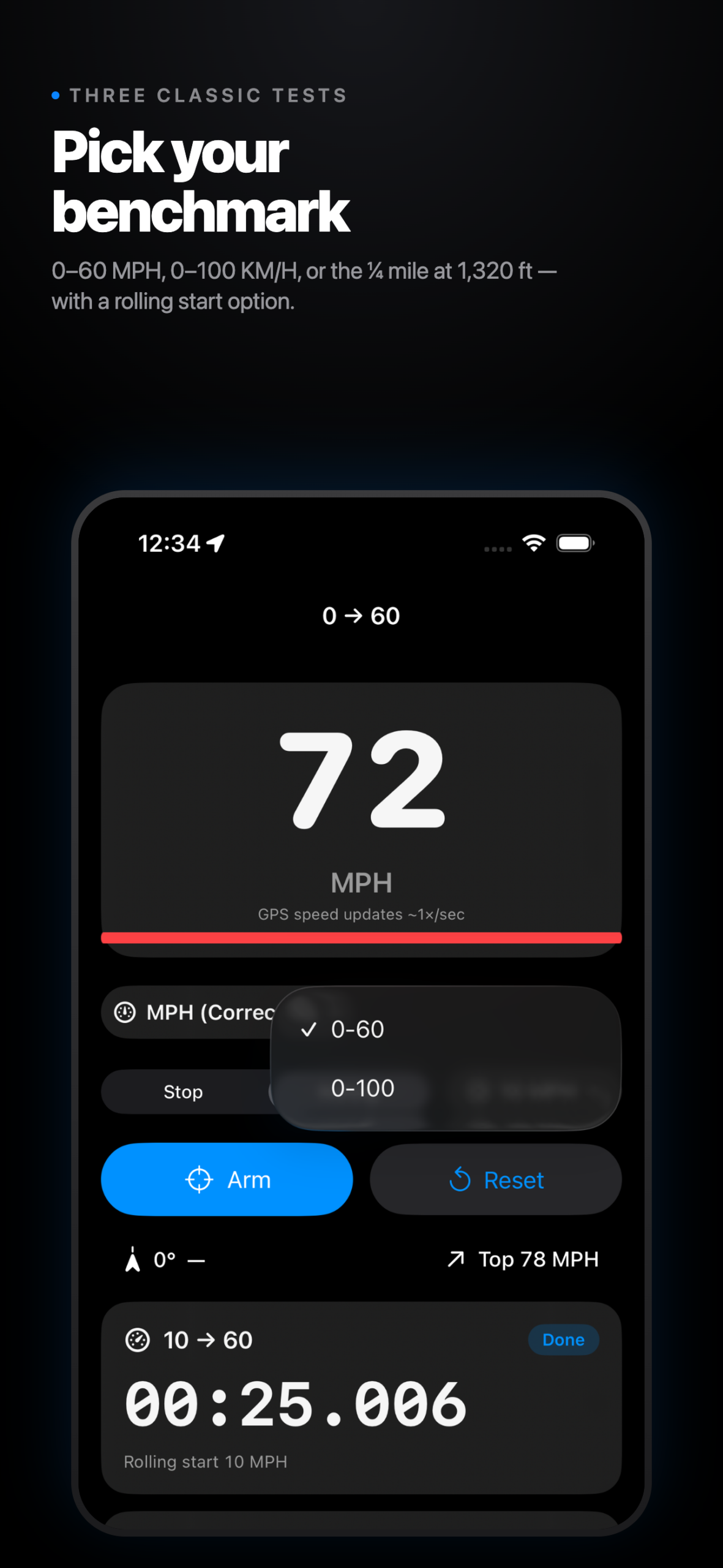
Three classic performance tests, automatic timing:
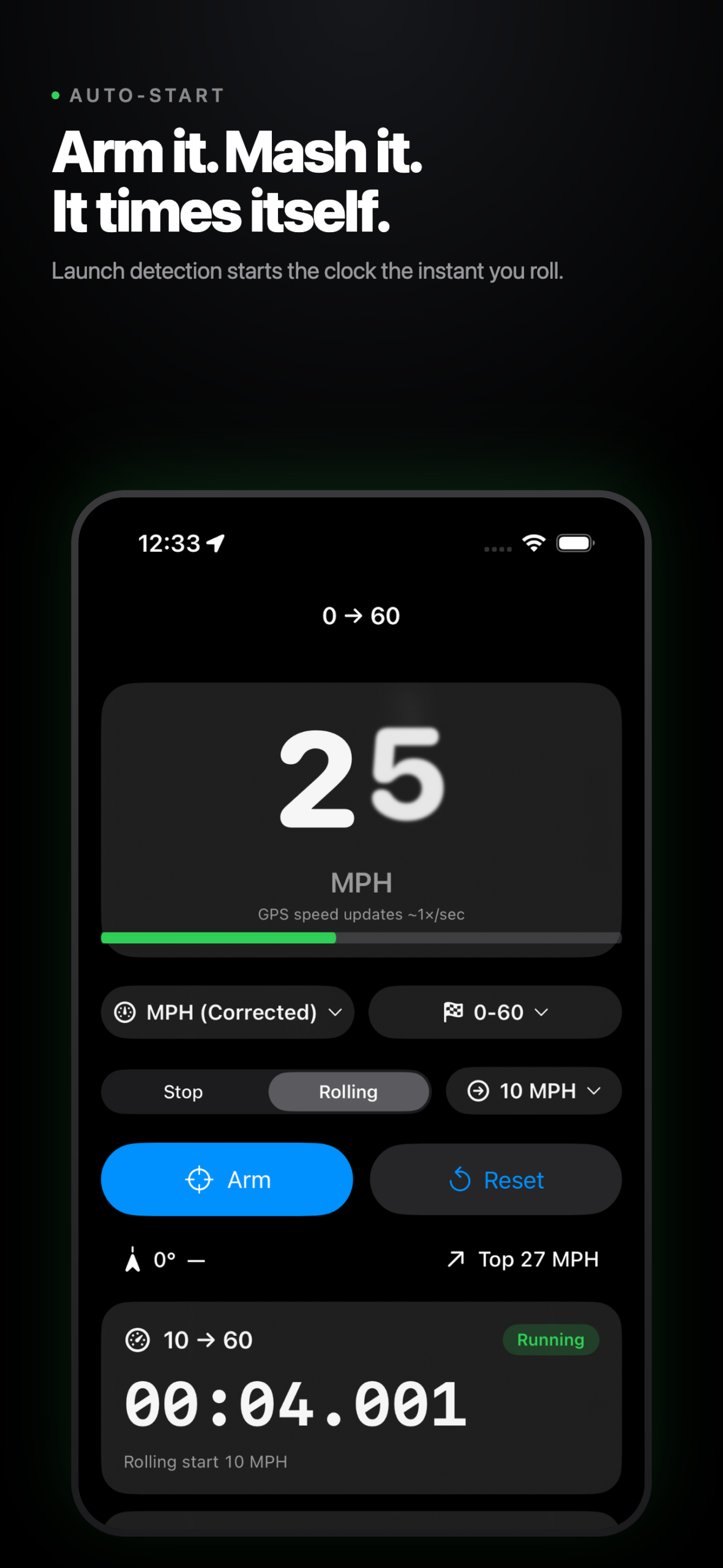
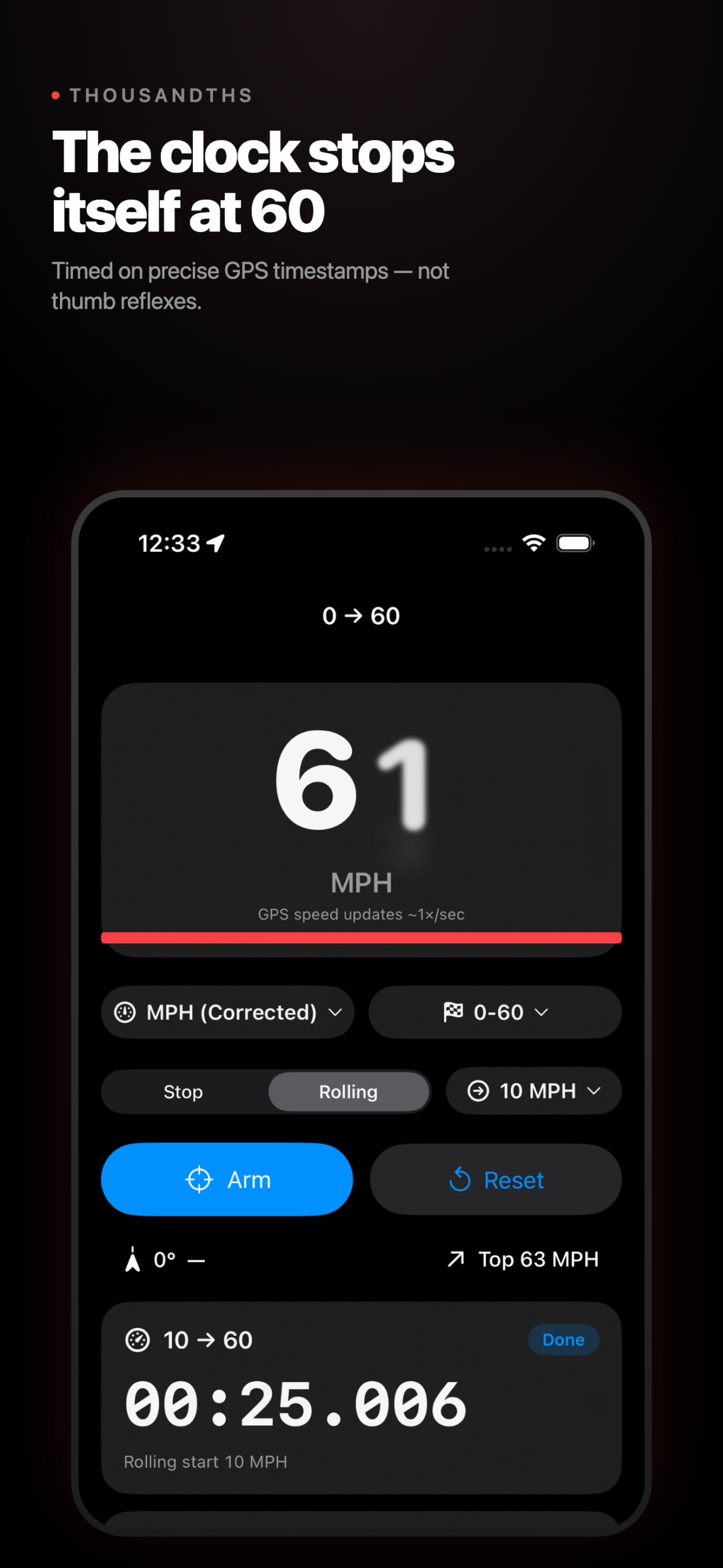
- 0–60 MPH — Arm the timer, mash the throttle, and the clock starts the instant you roll. It stops the moment you cross 60.
- 0–100 KM/H — The metric standard, with the same auto-start launch detection.
- ¼ Mile (1,320 ft) — Auto-start, with live distance tracking until you cross the finish line.
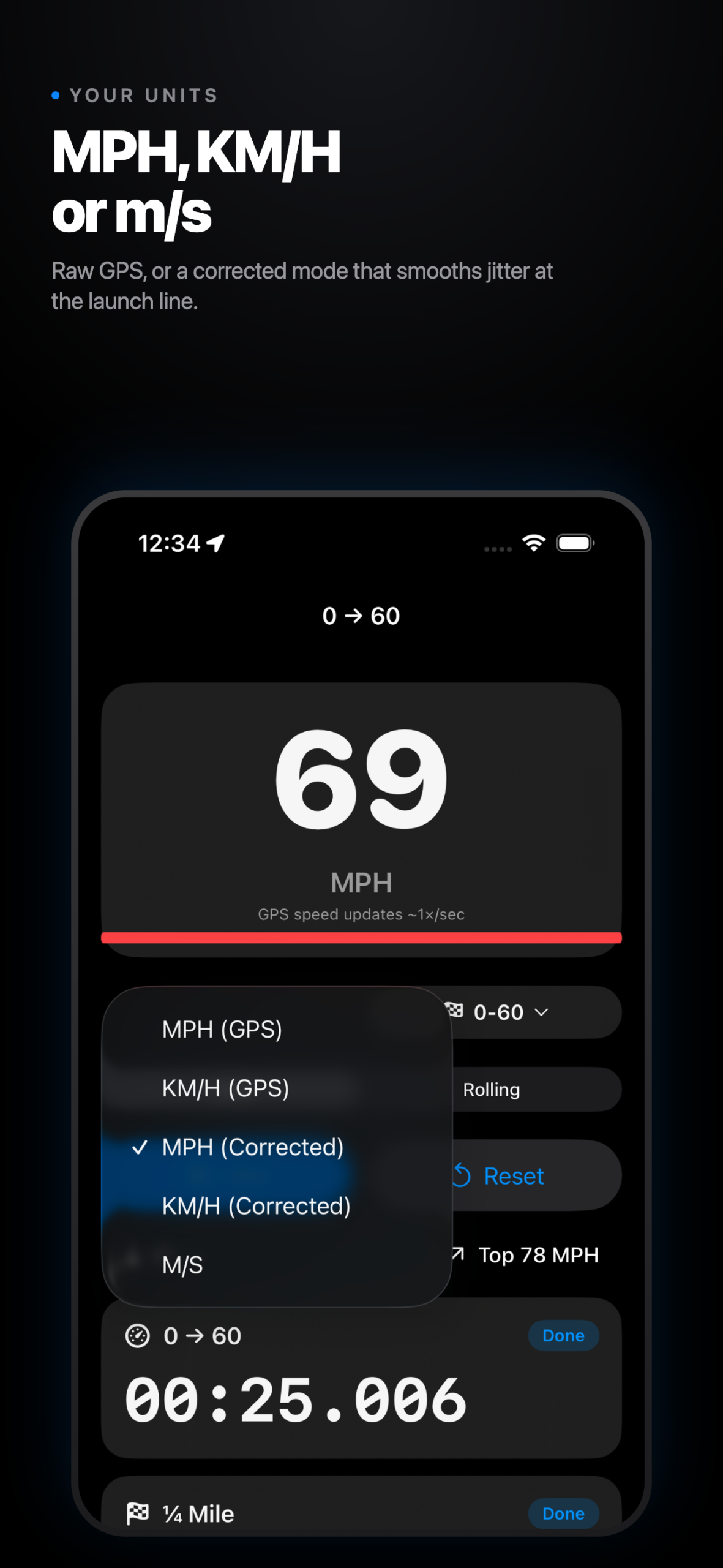
Pick your units
Switch between MPH, KM/H, and m/s on the fly. Choose raw GPS speed or a corrected mode that smooths GPS jitter for cleaner readouts at the launch line.
Live Speedometer
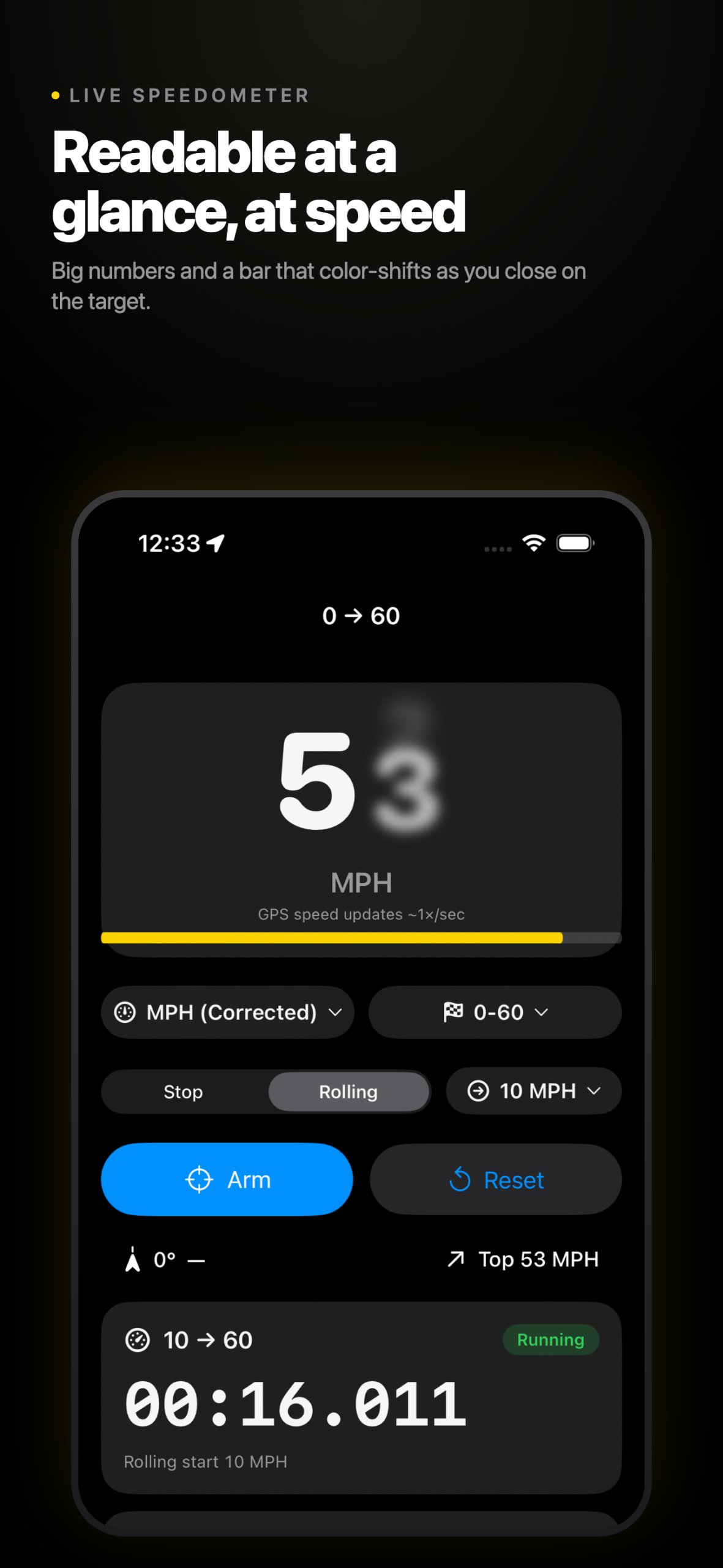
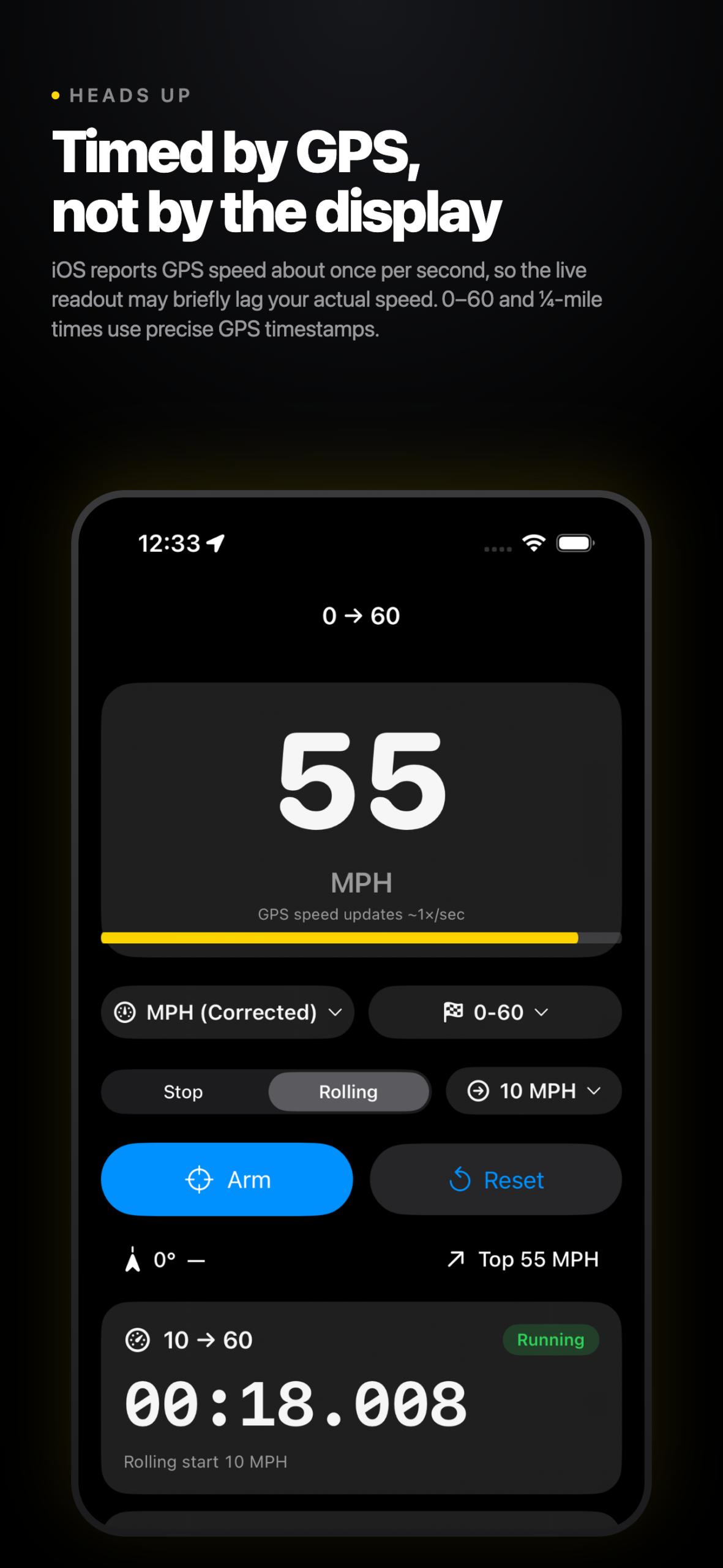
A big, easy-to-read speed readout with a smooth progress bar that color-shifts as you climb toward your target. Glance-friendly while focused on driving.
Built for the road
- True / magnetic compass heading with an 8-point readout (N, NE, E…)
- Live top-speed tracker for every session
- Best-for-navigation GPS accuracy
- Screen stays awake so you never miss a launch
- Dark mode by default — easy on your eyes day or night
Customizable Settings
A dedicated Settings screen lets you pick your preferred speed unit, switch between raw and corrected GPS, and choose whether to time the 0–60 MPH or 0–100 KM/H benchmark by default.
Full Run History
Every completed run is saved automatically. Browse, filter by type (0–60, 0–100, or ¼ mile), and review your elapsed time and top speed. Swipe to delete the runs you’d rather forget.
Private by design
Location data stays on your device. No accounts, no tracking, no ads.
Important: Always have a passenger operate the app while driving. Use only on closed courses or legal stretches of road, and obey all local speed laws.
Heads up: iOS provides GPS speed readings about once per second, so the live speedometer may briefly lag behind your actual speed. 0–60 and quarter-mile times still use precise GPS timestamps for accurate results.